How to Set Up Call Routing Automation Fast
Set up call routing automation to route callers by intent, urgency, and availability, reduce wait times, and preserve fast human escalation paths for teams
On this page
A missed support call is rarely just a missed call. It can be a lost order, an abandoned appointment, a frustrated patient, or a sales lead that contacts a competitor five minutes later. When you set up call routing automation correctly, every inbound call moves to the right resolution path based on context, not whichever agent happens to be free.
For operations teams, the goal is not to build a more complicated phone tree. It is to reduce time to resolution while keeping the experience natural. That means routing by caller intent, customer status, language, business hours, priority, and agent availability - then giving callers a fast route to a human when automation is not the right answer.
What Call Routing Automation Should Actually Do
Traditional IVR systems route calls through rigid menus: press one for billing, press two for support. They are inexpensive at first, but they force customers to translate their problem into your menu structure. When the menu is wrong, callers repeat themselves, wait longer, and arrive at an agent already irritated.
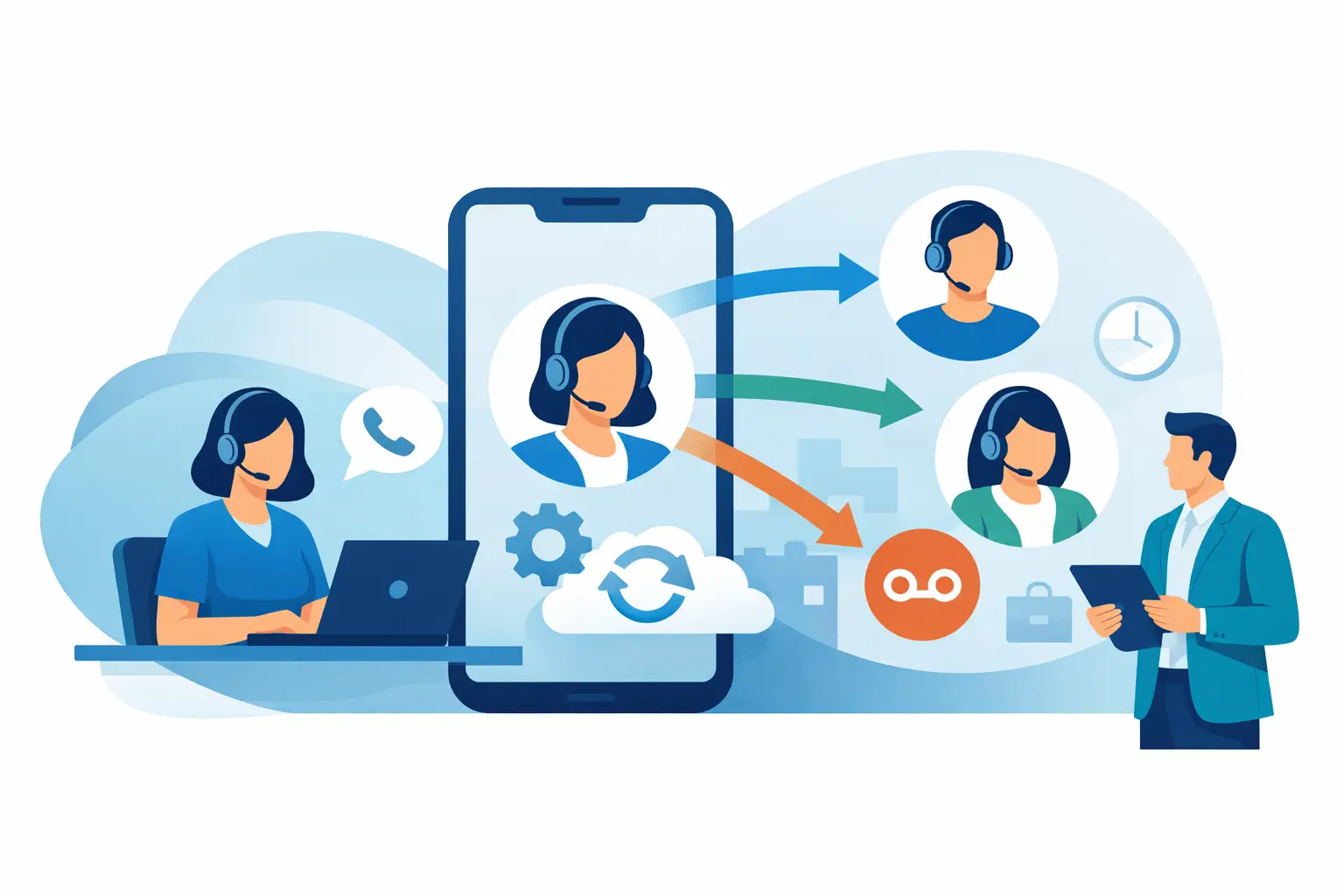
Modern call routing automation starts with the conversation. A voice agent can answer, understand the caller's reason for contacting you, retrieve relevant account context, complete routine workflows, and transfer the call only when a human is needed. The human should receive the reason for the call, the key details collected, and the actions already taken.
The difference is operational. Instead of sending every call to a general queue, you can send a delivery-status question to automated order tracking, an urgent medical scheduling request to the priority desk, and a high-intent enterprise prospect to the correct sales rep. Your team spends less time triaging and more time resolving exceptions.
Start With Call Reasons, Not Phone Menus
Before choosing rules or integrations, review what callers actually ask for. Pull a sample of recent call recordings, agent notes, ticket categories, and missed-call reports. You are looking for recurring intents and the cost of handling each one manually.
Most teams find that a small number of call reasons make up most inbound volume. In e-commerce, those are often order status, returns, delivery changes, and product questions. A real estate team may see viewing requests, listing questions, lead qualification, and agent follow-up. A clinic may need appointment scheduling, rescheduling, insurance questions, and urgent escalation.
Group each intent into one of three actions: automate it fully, collect information before handoff, or route it directly to a specialist. This avoids a common mistake: trying to automate every conversation on day one. High-volume, repeatable requests are the best starting point. Complex complaints, sensitive cases, and high-value negotiations may still need a human from the first minute.
Build Routing Rules Around Business Context
A routing rule should answer two questions: what does this caller need, and who or what can resolve it fastest? Intent is only one input. Strong routing combines conversation data with operational context.
For example, a caller asking about a late shipment should not be sent to a generic support queue if their order is already marked delayed in your commerce system. The automation can provide the current delivery estimate, offer an approved next step, and escalate only if the caller requests an exception.
Useful inputs include caller language, location, time of day, CRM segment, account tier, open tickets, order value, assigned account owner, and agent availability. A VIP customer with an open escalation needs a different path than a first-time buyer asking a basic question.
Keep your first routing design focused. A practical starting model is intent first, priority second, availability third. If the caller's intent is recognized, identify whether the case requires urgent or specialized handling. Then route to the best available destination, whether that is a voice workflow, a live queue, a named representative, or a callback process.
Define Business Hours and Overflow Logic
Automation needs clear rules for what happens when no one is available. Without them, calls either ring endlessly or disappear into voicemail.
Set separate flows for business hours, after-hours periods, holidays, and peak-demand events. After hours, an AI voice agent can answer routine questions, capture a complete request, schedule a callback, or escalate urgent cases to an on-call team. During peak volume, it can resolve simple calls automatically and protect live agents for conversations that require judgment.
Decide how long a caller should wait before an alternate action occurs. That might mean moving to another qualified team, offering a callback window, or handing the call back to the voice agent to collect more information. The right threshold depends on your service commitment and staffing model, but leaving callers in an unexplained queue is almost never the right answer.
Connect the Systems That Hold the Answer
Routing automation is only as useful as the data it can access. If the voice layer cannot check an order, appointment, account status, or assigned owner, it will either transfer too many calls or give generic responses that create more work later.
Connect the systems your team already uses to complete the workflow: CRM, help desk, calendar, ecommerce platform, order management system, and internal messaging or ticketing tools. Use webhooks or APIs to pass the right information at the right stage of the call.
The integration does not need to expose every field in your systems. Start with the minimum data needed for a confident decision. For an appointment workflow, that may be customer identity, available times, appointment type, and provider availability. For sales qualification, it could be company size, location, interest area, budget range, and the correct account executive.
A platform such as Kalem can combine natural voice conversations with CRM, calendar, webhook, SIP, and telephony integrations, so routing decisions can happen while the caller is still on the line. The commercial value is speed: fewer transfers, less manual data entry, and faster first response without forcing every request into a human queue.
Design Human Handoffs That Preserve Context
Automation should not become a wall between customers and your team. The most effective voice workflows make escalation easy and intelligent.
Set explicit transfer triggers. These may include a caller asking for a person, repeated misunderstanding, negative sentiment, a policy exception, a payment dispute, a compliance-sensitive request, or a high-value opportunity. For regulated industries, define these triggers with legal, privacy, and operations stakeholders before launch.
When a transfer occurs, pass a concise handoff summary to the agent. Include the caller's verified identity when appropriate, their reason for calling, relevant account details, what the voice agent already checked, and the requested outcome. The agent should never have to begin with, “Can you tell me why you are calling?” after the caller has already explained it.
There is a trade-off here. Sending detailed context improves resolution speed, but you should only share data that the receiving team needs and is authorized to view. Apply role-based access, consent requirements, and retention rules from the beginning rather than treating them as a later compliance project.
Test the Edge Cases Before Launch
A routing flow that works for the happy path can still fail customers under real call conditions. Test it with accents, interruptions, incomplete information, background noise, ambiguous requests, unavailable agents, multiple open customer issues, and callers who change topics midway through the conversation.
Also test routing failures. What happens if the CRM is temporarily unavailable? What if an agent queue is full? What if a caller asks for a language your team does not support? The system needs a useful fallback, such as capturing a callback request or transferring to a general support team with clear context.
Run a controlled launch with one workflow or one call category. Review recordings, transfer rates, containment rate, average handling time, callback completion, and customer sentiment. A high automation rate is not automatically a win if it increases repeat calls. The better measure is whether customers get the correct answer or reach the correct person faster.
Improve Routing From Real Call Data
Call routing is not a one-time configuration task. Customer language changes, products change, staffing changes, and new call reasons emerge. Review failed or unnecessary transfers every week during the first month, then on a regular operating cadence.
Look for patterns. If callers regularly say “representative” after a certain response, the workflow may be too long or too narrow. If one queue receives repeated misroutes, refine the intent definition or add a clarifying question. If a specific issue spikes after a product update or delivery disruption, build a dedicated path before it overwhelms your live team.
The best routing automation feels simple to the caller because the complexity is handled behind the scenes. Start with the calls that consume the most time, route them with the context your business already has, and keep a fast human path open for the moments that need judgment. That is how the phone channel becomes a response engine instead of a staffing bottleneck.