How to Schedule Calls With AI Without Delays
Learn how to schedule calls with AI using natural voice workflows, calendar rules, and human handoffs that reduce no-shows and staffing costs at scale.
On this page
A missed call is rarely just a missed call. It can be a patient who books elsewhere, a qualified buyer who goes cold, or a customer who decides support is too hard to reach. Learning how to schedule calls with AI gives businesses a practical way to answer every request, check availability, confirm the right details, and book the next step without making customers wait for office hours.
For operations teams, the goal is not to add another chatbot. It is to create a reliable scheduling layer that can hold a natural conversation, follow business rules, update the calendar, and bring in a person when the request needs judgment. Done well, AI call scheduling cuts response times, protects staff capacity, and makes booking feel easy for the customer.
How to Schedule Calls With AI: The Core Workflow
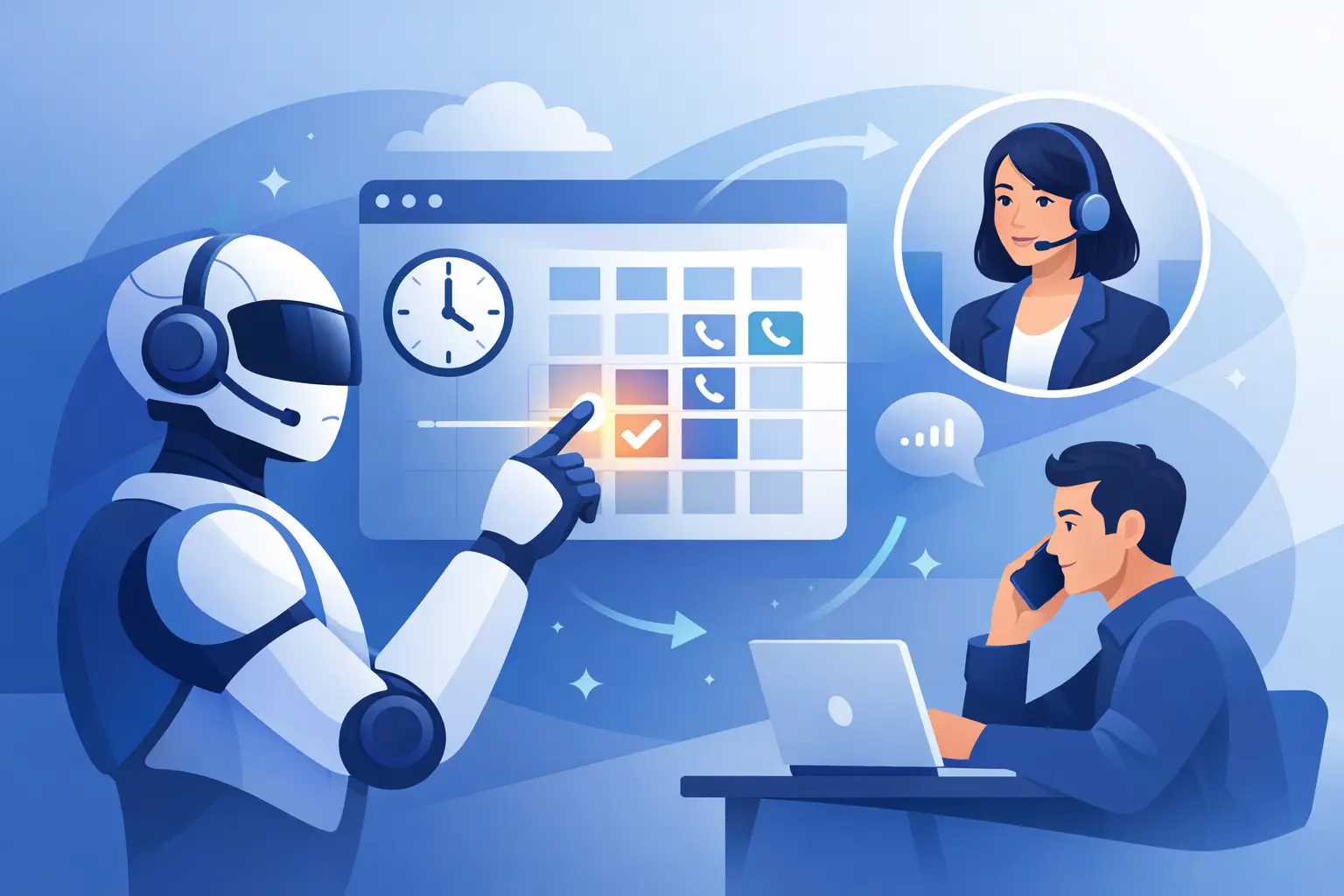
AI scheduling works best when it is designed as an operational workflow, not a standalone conversation. The voice agent receives an inbound call or makes an outbound follow-up, identifies the caller's intent, collects the information required for booking, checks calendar availability, and confirms an appointment in real time.
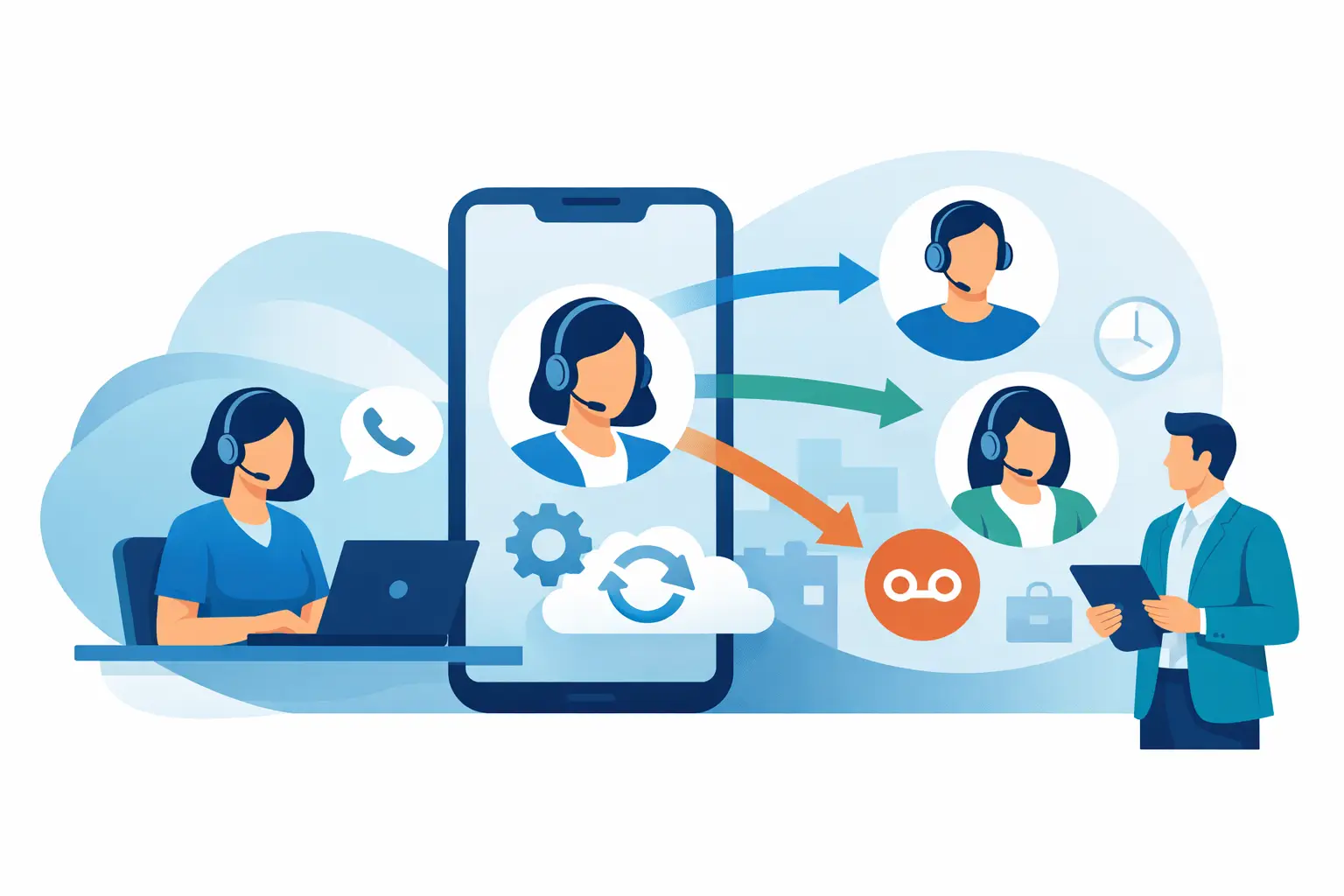
A strong workflow also handles the exceptions that create workload for human teams. If the requested time is unavailable, the agent proposes alternatives. If the caller needs a specialist, it routes to the correct calendar. If a customer asks a question outside the approved booking flow, the agent can transfer the call with the context already collected.
The result is simple: customers get an answer immediately, while teams avoid manually copying names, dates, phone numbers, and appointment notes between systems.
Start with the call types that create the most friction
Not every call should be automated first. Start where volume is predictable, the booking rules are clear, and delays have a visible cost. Common starting points include consultation requests, service appointments, property viewings, demos, follow-up calls after a web inquiry, and rescheduling requests.
A healthcare provider may use AI to collect a preferred physician, visit reason, and insurance status before offering approved slots. A real estate team may qualify location and budget, then schedule a viewing with the appropriate agent. A SaaS sales team may check company size and use case before booking a demo on the right account executive's calendar.
This focus matters. An AI agent performs best when it has a defined job, clear data access, and specific escalation rules. Trying to automate every edge case on day one usually creates a complicated experience that is harder to improve.
Build the Rules Before You Build the Conversation
The calendar is only one part of scheduling. Your AI needs the same operating rules a capable coordinator would follow. That includes business hours, appointment duration, required buffers, service areas, staff assignment logic, cancellation policies, and conditions that require human review.
For example, a 30-minute consultation may require a 15-minute buffer before and after the call. A repair business may only offer appointments based on technician coverage by ZIP code. A sales team may assign leads by territory, language, segment, or account ownership. These are not details to leave to improvisation. They should be encoded into the workflow.
Define what the agent must collect before a slot can be offered. Keep the list tight. A name, phone number, preferred time, service type, and location may be enough for many businesses. Asking for unnecessary information slows the caller down and increases abandonment.
You should also decide what the AI can change. It may be authorized to book, cancel, and reschedule standard appointments, while VIP accounts, urgent service requests, or complex multi-party meetings go to a human coordinator. Automation should reduce routine work, not force rigid rules onto situations that need discretion.
Connect the systems that hold the real data
An AI scheduler cannot deliver reliable results from a static script. It needs live access to the systems where availability and customer information actually live: calendars, CRMs, ticketing platforms, service dispatch tools, and internal workflows.
At minimum, the agent should be able to read available slots and create or update bookings. In a more mature setup, it can also retrieve customer history, tag the lead source, create a CRM record, trigger reminders, and notify the relevant team after the call.
Use real-time calendar checks rather than promising a time and asking staff to confirm it later. That extra step creates double bookings and undermines the main benefit of automation. If availability cannot be accessed live, position the interaction as a request rather than a confirmed appointment.
For technical teams, integrations can run through APIs, webhooks, workflow platforms, SIP infrastructure, or direct CRM and calendar connections. The right implementation depends on your stack and compliance requirements. What matters is that the AI has one dependable source of truth for availability.
Make the Voice Experience Feel Useful, Not Scripted
People calling a business do not want to navigate a menu or repeat themselves. They want to say what they need in plain language and get a clear answer. That is why conversational design matters as much as the calendar integration.
The agent should introduce its purpose quickly, ask one question at a time, confirm critical details, and let callers interrupt naturally. If someone says, "Actually, next Thursday works better," the system should recognize the change rather than restart the flow. If a caller says, "I need the earliest appointment after 3," it should understand the constraint and search accordingly.
Natural conversation does not mean unlimited conversation. Keep the agent focused on the outcome. It can answer basic scheduling questions, but it should not attempt to provide medical advice, negotiate contracts, or resolve a complicated complaint unless your workflow and knowledge base support that safely.
Kalem is built for this kind of speech-to-speech interaction, with low-latency voice conversations that can check systems, book appointments, and hand calls to a live team member when automation reaches its limit.
Design the handoff before the caller needs it
Human escalation is a feature, not a failure. The best AI scheduling systems know when to transfer a call and make that transfer useful. A caller should not have to explain their name, preferred time, and issue again after asking for help.
Set clear handoff triggers. These may include a request to speak with a person, repeated misunderstanding, an urgent issue, a complaint, a high-value account, or a request that falls outside approved policies. When a transfer occurs, send the collected context to the receiving agent or team.
There is a trade-off here. Sending every uncertain call to a person protects customer experience but limits cost savings. Keeping too many callers in automation may reduce staffing pressure but damage trust. Review real call outcomes and tune the thresholds based on your business priorities.
Confirm, Remind, and Recover the Booking
Scheduling is not finished when the calendar event is created. The highest-performing workflows confirm the booking immediately, send a reminder through the customer's preferred channel, and make rescheduling easy.
A voice agent can confirm the date, time, time zone, location, and next step before ending the call. A follow-up message can include the same essentials and provide a simple way to change the appointment. For businesses with high no-show rates, send reminders at a practical interval and use AI for outbound confirmation calls when appropriate.
Build recovery flows for incomplete bookings as well. If a caller disconnects after sharing their name and preferred time, your CRM can trigger a follow-up message or call. If no slots are available, offer a waitlist or create a callback task. These small workflows turn abandoned intent into measurable pipeline.
Measure the Operational Results, Not Just Call Volume
Call volume tells you demand exists. It does not tell you whether the scheduling system is working. Track appointment conversion rate, time to booking, abandonment rate, transfer rate, no-show rate, reschedule rate, and the percentage of appointments that require manual correction.
Review call recordings and transcripts regularly, especially during the first few weeks. Look for the point where callers hesitate, repeat themselves, or request a human. Those moments reveal missing rules, unclear prompts, weak integrations, or terminology your customers use that the agent has not been taught.
Cost should be measured against the full manual process, not only a receptionist's time. Include after-hours coverage, lead response delays, missed opportunities, repetitive data entry, and the cost of callbacks. In many organizations, the commercial impact comes from faster conversion as much as lower call handling costs.
Launch Narrow, Then Expand With Confidence
Begin with one appointment type, one team, and a defined set of hours. Test real booking rules, edge cases, transfers, and calendar updates before expanding. A controlled launch lets you improve the experience quickly without exposing every customer journey to an unproven workflow.
Once the system consistently books accurately, expand to additional teams, languages, channels, and outbound reminders. The same foundation can support inbound support routing, lead qualification, order updates, and service callbacks. Each expansion should preserve the essentials: fast answers, accurate data, and an easy path to a person.
The practical standard is straightforward: if a customer can state what they need, your business should be able to schedule the next conversation while that intent is still active. Build the workflow around that moment, and AI becomes less of a novelty and more of a dependable operating advantage.