Best AI Receptionist Software for Faster Calls
Compare the best AI receptionist software for natural calls, scheduling, and lead capture. Find the features that cut wait times and operating costs.
On this page
A missed call is rarely just a missed call. For a clinic, it may be an unbooked appointment. For a property team, it may be a qualified tenant calling the next listing. For an ecommerce brand, it may be a customer who abandons an order because no one could answer a simple delivery question. The best AI receptionist software turns that exposure into an always-on front desk that answers, understands, acts, and escalates when needed.
The category has moved well beyond legacy IVR trees that force callers to press buttons and repeat themselves. Modern AI receptionists can hold natural conversations, recognize interruptions, collect details, schedule appointments, look up information, and hand a call to the right person with context intact. That creates a meaningful operational difference: fewer queues, faster first responses, and less repetitive work for live teams.
But not every AI receptionist is built for the same job. Some are designed for simple after-hours answering. Others are contact center platforms with AI layered into a much broader suite. Others give operations teams or developers the flexibility to build voice workflows around their own systems. The right choice depends on call volume, workflow complexity, integration requirements, and how natural the conversation needs to feel.
What the Best AI Receptionist Software Must Do
A receptionist has one core responsibility: make sure the caller gets to the right next step. Software that only answers questions is not enough if your business needs to qualify leads, schedule services, check order status, capture structured information, or route urgent requests.
Start with conversation quality. Callers should be able to speak naturally rather than follow a rigid script. The agent needs to handle pauses, changes of mind, corrections, and interruptions without sounding confused. Low latency matters here. When there is a noticeable delay after every sentence, the experience feels automated and callers disengage. For high-value calls, natural turn-taking is not a cosmetic feature. It directly affects completion rates and trust.
Next, look for action capability. A useful AI receptionist should connect to the systems where work happens: calendars, CRM records, help desks, order platforms, internal databases, and workflow tools. It should do more than take a message. It should create a lead, book a slot, update a ticket, trigger a follow-up, or pass verified information to a human agent.
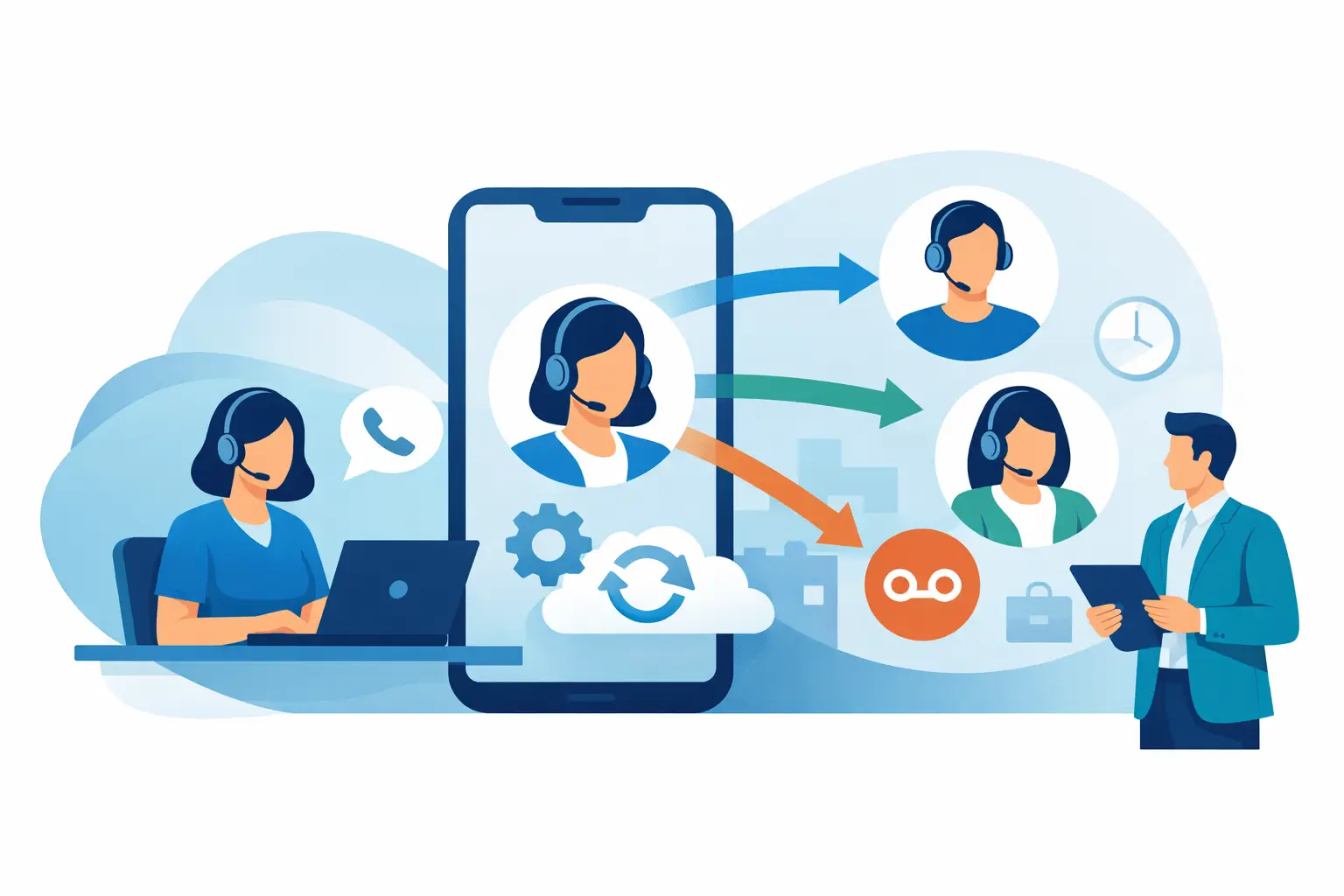
Escalation is equally critical. AI should absorb routine work, not trap customers in a dead end. The platform needs intelligent call transfers based on intent, urgency, customer status, business hours, or a caller request. A warm handoff that gives the human agent a concise summary is far better than making the caller explain the issue a second time.
Finally, assess control. Operations teams need visibility into transcripts, outcomes, failed paths, transfer reasons, and conversion performance. Technical teams may also need API access, webhooks, SIP compatibility, bring-your-own-carrier options, and control over AI provider credentials. The best fit is not necessarily the platform with the longest feature list. It is the one that gives your team the right level of control without adding weeks of implementation work.
Best AI Receptionist Software by Operating Model
There is no universal winner because a dental office, a multi-location service business, and an enterprise contact center have different constraints. These categories make the decision clearer.
Kalem for fast, natural voice automation
Kalem is built for businesses that want human-sounding voice agents for phone and WhatsApp workflows without a long deployment cycle. It is a strong fit for teams automating inbound support, appointment scheduling, lead qualification, order tracking, and service requests where response speed and conversational quality are central to the customer experience.
Its speech-to-speech approach, powered by the OpenAI Realtime API, is designed for ultra-low latency interactions under 320 milliseconds. That matters when callers interrupt, ask follow-up questions, or expect a conversation rather than a chatbot reading a script. Smart transfers preserve the role of human staff for complex or sensitive cases, while integrations with CRMs, calendars, webhooks, and workflow tools help the agent complete work rather than just log it.
Kalem also suits two very different buyers: lean operators who want a self-serve, usage-based platform, and enterprise teams that need managed deployment, compliance support, and SLA-backed service. BYOC support for AI and telephony infrastructure is particularly relevant for organizations with existing carrier relationships or stricter infrastructure requirements.
Hybrid answering services for businesses that need people on every edge case
Hybrid receptionist providers combine AI with live human receptionists. This model can work well for legal practices, medical offices, home services, and other businesses where callers may need empathy, judgment, or help with unusual situations.
The trade-off is cost and consistency. Human coverage can be valuable, but it is typically more expensive than automated handling for repeatable calls. It can also be harder to standardize every interaction across volume spikes. A hybrid model makes sense when a large share of calls genuinely requires human discretion. If most calls involve predictable requests, an AI-first workflow with targeted escalation usually produces better unit economics.
Contact center suites for teams replacing a broader phone stack
Contact center platforms are appropriate when the receptionist is only one part of a larger transformation involving agent desktops, outbound dialing, workforce management, QA, reporting, and multiple support channels. Companies already standardizing their communications stack may prefer this route, even if the AI receptionist is not the most specialized component.
The downside is implementation weight. Broad suites can require more configuration, licensing coordination, and internal ownership. For a growth-stage business trying to stop missed calls next month, a full contact center replacement may be excessive. For an enterprise consolidating vendors across hundreds of agents, it may be justified.
Voice AI builder platforms for technical teams
Developer-oriented voice AI platforms provide flexible tools to design custom call flows, connect proprietary data, and control telephony behavior. They are useful when your workflow is unusual, your data model is complex, or your product team wants to build voice into an existing application.
Flexibility comes with responsibility. Someone must own prompt design, testing, failure handling, integrations, monitoring, and ongoing optimization. This is a smart path for teams with engineering capacity and a clear use case. It is less attractive for an operations leader who needs a production receptionist without turning the project into a software build.
How to Evaluate an AI Receptionist Before You Buy
Do not judge a platform from a polished demo alone. Test it against real calls that create operational pressure: a caller who speaks quickly, a caller who interrupts, a caller who asks an unexpected question, and a caller who needs a human immediately. The agent should keep context, respond promptly, and know when to stop trying to solve the problem itself.
Run a pilot around one high-volume workflow first. Appointment booking, inbound lead qualification, order tracking, and after-hours support are common starting points because the inputs and outcomes are measurable. Define the success criteria before launch: answer rate, time to answer, booking rate, qualified leads captured, transfer rate, containment rate, and customer satisfaction signals.
Pay close attention to integration depth. A calendar connection that merely checks availability is useful, but one that can book, reschedule, cancel, and send confirmations is more valuable. A CRM integration should not simply export a transcript after the call. It should identify the caller, capture the right fields, create tasks, and give sales or support teams actionable context.
Security and governance should match the data involved. Healthcare, financial services, and enterprise support teams may need data controls, auditability, regional considerations, access management, and clear policies for recordings and transcripts. Ask where data flows, who can access it, and how the platform supports your compliance requirements.
The Cost Question: Per Minute Is Not the Whole Story
Usage pricing is easy to compare, but it is not the full cost of an AI receptionist. A lower per-minute rate can become expensive if the agent fails to complete tasks, creates poor leads, transfers too often, or requires constant manual cleanup. Conversely, a platform with a higher rate may deliver a stronger return if it replaces repetitive work and captures revenue that would otherwise be lost.
Calculate value at the workflow level. If an AI agent answers every call in seconds, books additional appointments, and lets staff focus on in-person customers or complex cases, the impact goes beyond labor savings. Availability improves, response time falls, and revenue leakage becomes easier to control.
The strongest AI receptionist deployment is not the one that attempts to automate every conversation on day one. It starts with the calls your team repeats hundreds of times, proves a measurable result, and expands from there while keeping a fast, informed path to a human when the customer needs one.