Automated Appointment Reminders That Cut No-Shows
Automated appointment reminders reduce no-shows, protect staff time, and give customers an easy way to confirm, reschedule, or reach a live team quickly.
On this page
- Why appointment reminders have become an operations priority
- What effective automated appointment reminders actually do
- Build the reminder sequence around customer behavior
- Integrations determine whether automation saves time
- Measure results beyond the no-show rate
- Where automation needs human judgment
A missed appointment is rarely just an empty slot. It can mean a clinician waiting between patients, a sales rep losing a qualified meeting, a property viewing that never happens, or a service team reshuffling an entire day. Automated appointment reminders turn that preventable operational drag into a controlled workflow: customers get timely, relevant outreach, while teams get clear confirmation and rescheduling signals before revenue disappears.
For businesses handling recurring appointments at scale, the goal is not simply to send more messages. It is to make it easier for customers to act while giving operations teams reliable data, fast escalation paths, and fewer manual calls.
Why appointment reminders have become an operations priority
Manual reminder calls are expensive and inconsistent. Staff members have to work through lists, leave voicemails, record outcomes, chase responses, and repeat the same process when customers do not answer. Even a small no-show rate compounds quickly when appointments are high value or capacity is limited.
A reminder system changes the economics. It reaches customers at the right time, captures a response, updates the appointment status, and prompts the next action without requiring a team member to manage every interaction. That can mean a confirmed appointment, a rescheduled time, a waitlist opportunity, or a human handoff for a question that needs attention.
The customer experience matters just as much. A vague reminder that asks people to call back during business hours creates friction. A conversational reminder that lets them confirm, change a time, ask a basic question, or reach a person gives them control. The difference shows up in attendance, satisfaction, and the number of inbound calls your team has to absorb.
What effective automated appointment reminders actually do
A basic system sends a one-way text or email. That is useful for low-complexity appointments, but it does not solve the full workflow. Effective automated appointment reminders connect outreach to real operational actions.
They should pull accurate appointment details from the calendar or CRM, personalize the message with the relevant date, time, location, and preparation requirements, and recognize the customer's response. When someone confirms, the system should update the record. When they need another time, it should offer an approved rescheduling path or transfer the request to the right team.
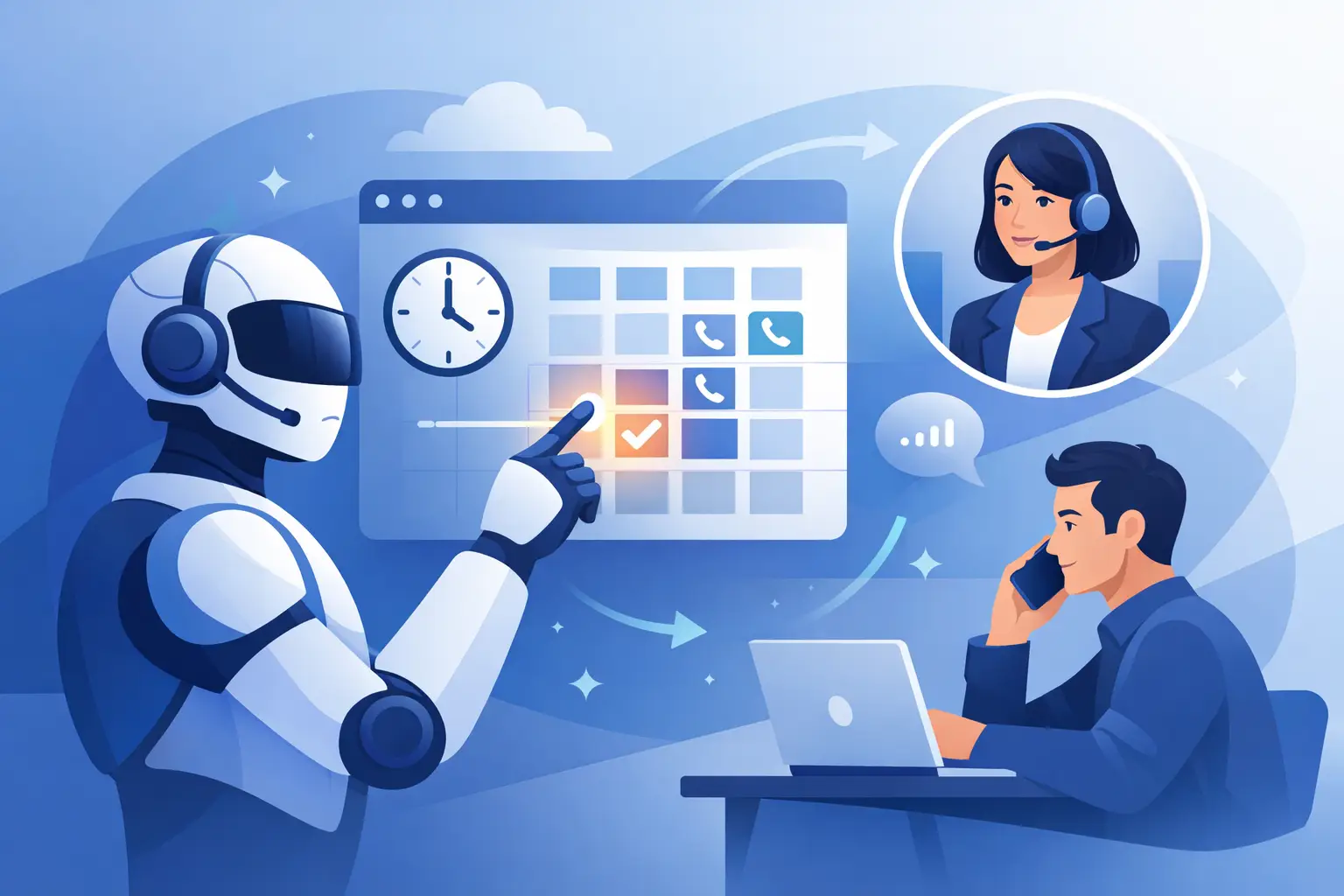
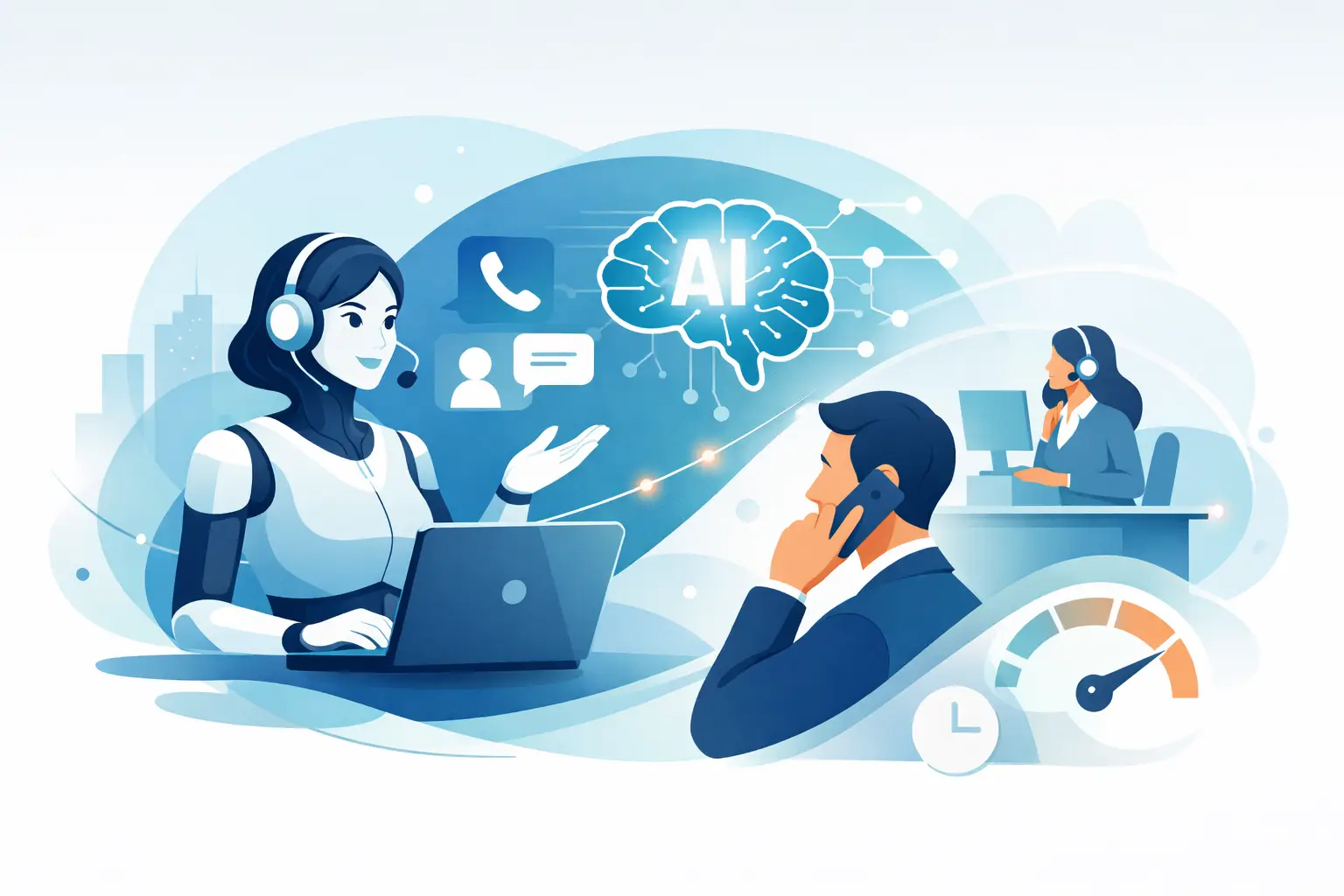
Voice adds another layer of capability, especially in industries where customers are more likely to answer a call than respond to email. A natural voice agent can confirm attendance, handle interruptions, answer common questions, and identify cases that need a live agent. This is particularly valuable for healthcare providers, real estate teams, field service operations, and high-consideration sales processes.
The right channel depends on the audience. SMS may be the fastest route for a busy consumer. WhatsApp can work well in markets where it is a primary business communication channel. Voice is often stronger when the appointment is high value, the customer needs more context, or a missed visit carries a material cost. The best programs use channel preference and response history rather than forcing every customer through the same path.
Build the reminder sequence around customer behavior
Timing is not a minor setting. A reminder sent too early is forgotten. One sent too late leaves no room to fill a canceled slot. Most businesses need more than one touchpoint, but sending the same message repeatedly can feel careless.
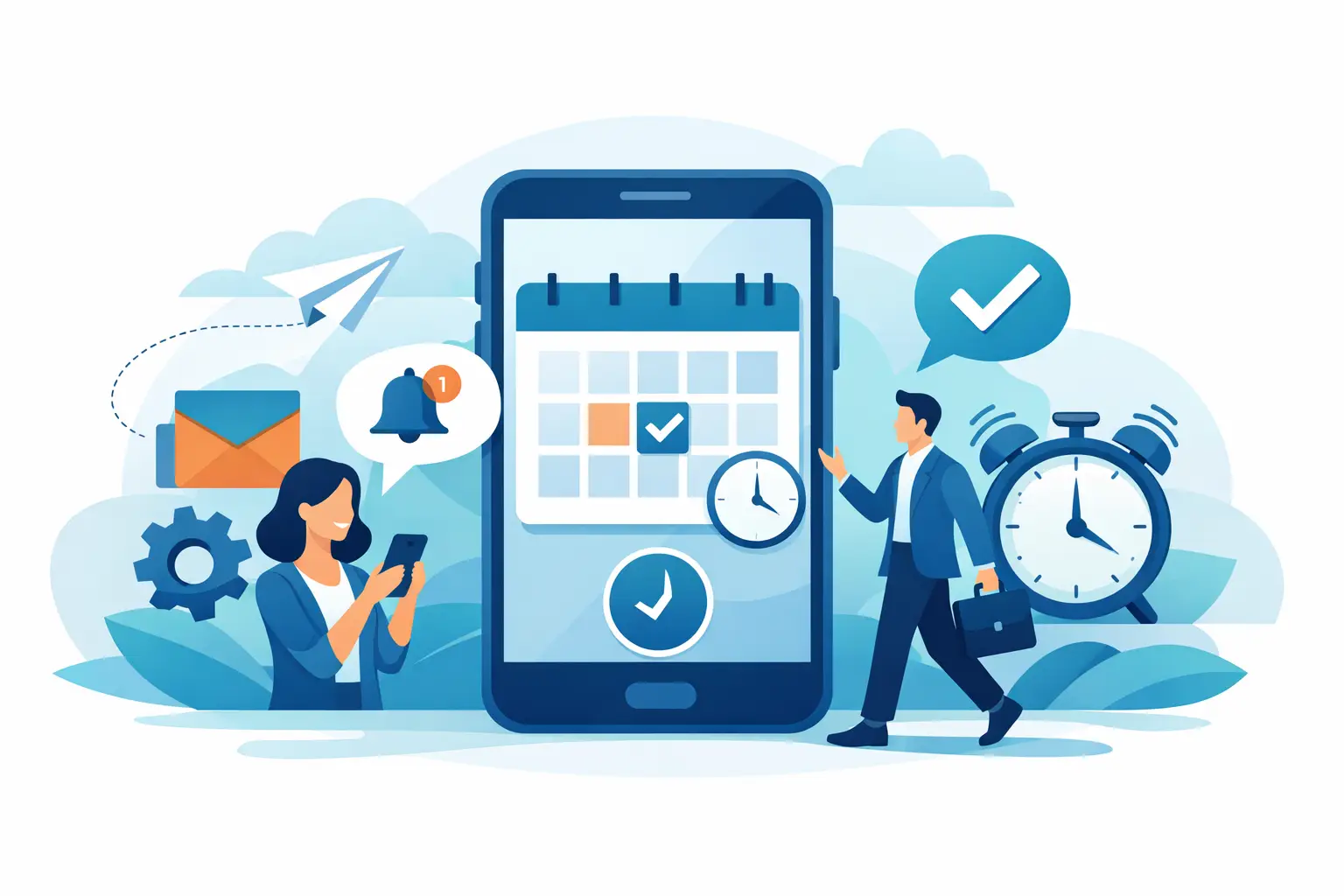
A practical sequence often begins with an immediate confirmation after booking. This establishes that the appointment is on the calendar and gives customers a simple way to spot errors. A second reminder can arrive 48 to 72 hours before the appointment, when there is still time to reschedule. A final reminder closer to the appointment can cover practical details such as directions, required documents, check-in instructions, or cancellation deadlines.
The exact cadence should reflect your operating model. A dental office may need a different sequence from a software demo team or a home-services business with travel time and technician routing. Start with the customer decision window: when do people typically realize they cannot attend? That is where a confirmation or rescheduling prompt creates the most value.
Avoid treating every appointment identically. A first consultation, a follow-up visit, a VIP client meeting, and a recurring service booking have different stakes. Segmenting by appointment type lets you apply the right channel, message length, escalation rules, and number of attempts.
Keep the message specific and actionable
Every reminder should answer four questions quickly: what is the appointment, when is it, where or how will it happen, and what should the customer do next? If they must prepare, say so in plain language. If canceling late has a fee, state that clearly and professionally.
The call to action should be frictionless. Ask customers to reply with a simple confirmation, select a new time, or speak with a team member. Do not make them search for a confirmation number or navigate a long phone tree just to make a basic change.
For voice outreach, the script should sound like a useful conversation, not a recorded compliance statement. Customers interrupt. They ask whether the appointment is virtual, whether they need to bring paperwork, or whether a family member can attend. A capable voice agent needs guardrails for approved answers and a smart transfer option when the request goes beyond its scope.
Integrations determine whether automation saves time
Reminder automation only performs as well as the systems behind it. If calendar details are stale, confirmation data does not sync, or staff must copy responses between tools, the workflow creates new work instead of removing it.
At minimum, connect the reminder layer to the source of truth for appointments and customer records. That may be a scheduling platform, CRM, practice management system, booking engine, or custom internal system. The integration should pass appointment status changes in both directions, including confirmations, cancellations, reschedules, failed contact attempts, and human escalations.
For larger teams, webhooks and workflow tools help turn an appointment response into an operational trigger. A cancellation can notify a waitlist, create a follow-up task, release a field technician, or prompt a sales rep to offer an alternative slot. The point is not to automate every edge case. It is to remove repetitive work while keeping exceptions visible and manageable.
Platforms such as Kalem can support this model with conversational voice agents that connect to calendars, CRMs, telephony providers, and workflow tools. That makes it possible to move from a reminder call to a confirmed status, a rescheduling flow, or a live-team transfer within the same interaction.
Measure results beyond the no-show rate
No-show rate is the headline metric, but it does not tell the whole story. A program can reduce no-shows while creating unnecessary message volume, frustrating customers, or pushing too many cases back to staff.
Track confirmation rate, cancellation lead time, rescheduling completion rate, contact rate by channel, and the percentage of interactions resolved without human intervention. For voice programs, review transfer rate, average conversation outcome, and cases where customers abandon the interaction. These measures reveal whether the experience is actually helping customers complete the task.
Also measure operational impact. How many staff hours previously went to reminder calls? How many canceled slots are refilled? How much revenue is recovered from lower no-show rates? For appointment-heavy businesses, these numbers make the case for automation far more clearly than a generic AI adoption metric.
Where automation needs human judgment
Automation is powerful, but a reminder system should not become a barrier. Sensitive healthcare questions, complex account issues, accessibility requests, pricing disputes, or high-value customer concerns deserve a fast route to a person. The system should recognize those moments rather than trying to force a scripted answer.
Compliance also requires discipline. Obtain appropriate consent for outreach, honor communication preferences, follow applicable calling and messaging rules, and limit sensitive information in messages. In regulated industries, work with legal and compliance teams to define what the system can say, store, and escalate.
The strongest approach is not human versus automated. It is automation for predictable actions and people for judgment, empathy, and exceptions. When that line is clear, customers get faster answers and staff spend their time where it has the most impact.
A good reminder program does more than fill tomorrow's calendar. It creates a reliable operating rhythm: customers know what to expect, teams see changes sooner, and every open slot becomes an opportunity to respond before it becomes lost revenue.