Why Does Latency Matter in Voice AI Calls?
Why does latency matter in voice AI? See how response speed shapes customer trust, call outcomes, staffing costs, and natural conversation quality daily.
On this page
A caller says, “I need to reschedule my appointment,” then hears silence. At first, they wait. A second later, they repeat themselves. By the third second, they are already questioning whether the system understood them. That is why does latency matter in voice AI is not a technical footnote. It is a direct customer experience, conversion, and operating-cost question.
Voice conversations run on timing. People expect the other party to acknowledge what they said almost immediately, whether that party is a receptionist, a sales representative, or an automated agent. When an AI voice agent responds too slowly, the call feels robotic even if its language is accurate and its voice sounds human.
For businesses handling support, bookings, lead qualification, order tracking, and inbound service, latency determines whether automation feels like an upgrade or another frustrating IVR menu.
Why latency matters in voice AI conversations
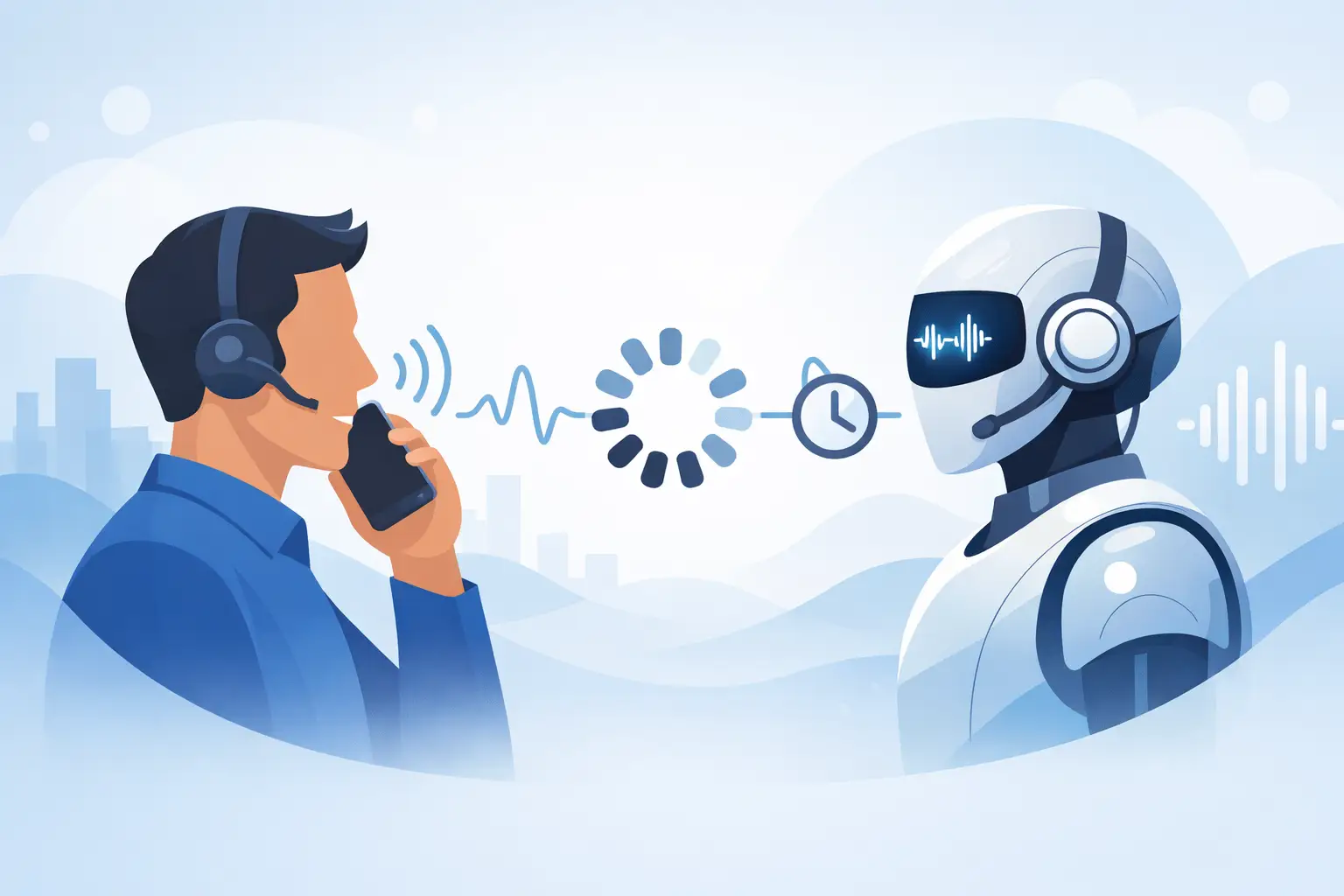
Latency is the delay between a caller speaking and the AI agent responding. In practice, it includes more than model response time. Audio must travel through the phone network, speech must be recognized, the system must determine what the caller means, retrieve information or trigger a workflow, generate a response, convert that response into speech, and stream audio back to the caller.
Every step adds milliseconds. The caller only experiences the total.
A short pause can be natural. Humans pause to think, check a calendar, or confirm details. But unpredictable or prolonged silence has a different effect: it signals failure. Callers talk over the agent, repeat their request, hang up, or ask for a human before the automation has had a chance to help.
This is especially costly when the call involves urgency. A patient confirming a same-day appointment, a customer checking a delayed delivery, or a buyer responding to a sales callback does not want to wait through several seconds of dead air. Fast answers communicate competence. Slow answers create friction before the real service interaction has even started.
The difference between fast and conversational
Low latency is not simply about making an AI speak faster. A voice agent that fires back instantly after every word can feel unnatural, interrupt callers, and misunderstand incomplete requests. The goal is responsive turn-taking: the agent should recognize when a person has finished speaking, reply quickly enough to preserve momentum, and stop speaking when the caller interrupts.
That requires careful handling of three moments in every conversation.
First, the system needs endpoint detection. It must decide whether a caller has completed a thought or is taking a brief pause. If it waits too long, the conversation drags. If it responds too early, it cuts people off.
Second, it needs fast reasoning and action. A simple greeting may need no external data, but “Where is my order?” may require an order-management lookup. “Can I book Tuesday at 3?” may require calendar availability and a booking workflow. The architecture has to complete these actions without turning every answer into a noticeable delay.
Third, audio needs to begin streaming as soon as possible. The agent does not need to wait for a full paragraph before speaking. Starting the first useful phrase quickly, then continuing naturally, makes the exchange feel far more responsive.
The best voice AI does not merely minimize silence. It manages conversational rhythm.
The business cost of slow voice AI
Latency affects metrics that operations, support, and revenue teams already track. It can reduce containment because callers request an agent sooner. It can increase average handle time because people repeat information or ask clarifying questions. It can lower conversion because prospects lose confidence before qualification is complete.
It also creates hidden staffing pressure. When a voice bot fails to resolve straightforward requests due to a poor experience, calls escalate to human teams that should be focused on exceptions, complex cases, and high-value conversations. The business pays for automation and still absorbs manual workload.
For high-volume teams, small delays compound. Add two extra seconds to several turns in every call, and thousands of monthly interactions become longer, more expensive, and more likely to end in abandonment. Faster response times can improve capacity without hiring more agents or forcing customers into a less personal channel.
There is a brand cost as well. Customers may forgive a human representative for taking a moment to check a system. They are less forgiving of an automated agent that sounds uncertain, slow, or unaware that they are waiting. A voice experience becomes part of the company’s service standard.
Where voice AI latency comes from
A voice AI deployment is only as fast as its slowest critical path. The language model matters, but it is not the entire equation. Teams should evaluate end-to-end latency across the call stack:
- Telephony routing and audio transport
- Speech recognition and turn detection
- AI reasoning and response generation
- CRM, calendar, payment, or order-system requests
- Text-to-speech generation and audio streaming
A platform can advertise a fast model while producing slow calls because of network hops, sequential workflows, or external systems that respond poorly. This is why measuring only time to first model token is not enough. The metric that matters is how long the caller waits before hearing a relevant, useful response.
Direct audio processing can reduce unnecessary conversion steps. Streaming architecture can begin speaking before the full response is complete. Localized infrastructure and efficient telephony routing can reduce transport delays. Parallel workflow design can prevent a calendar lookup, CRM update, and confirmation message from waiting on one another when they do not need to.
However, not every delay should be eliminated at any cost. A complex insurance eligibility check or a slow legacy database may require a brief wait. In those situations, the agent should acknowledge the action immediately: “I’m checking that now.” The caller remains informed, and the silence does not feel like a broken system.
What good latency looks like in real use cases
The acceptable response time depends on the conversation. A casual FAQ can tolerate a slightly longer pause than an interruption during a sensitive support call. Still, business voice agents should be designed around a clear performance target rather than vague claims of speed.
For appointment scheduling, fast acknowledgment prevents callers from repeating dates and times. The agent should confirm the request quickly, then retrieve availability while maintaining the conversation. For lead qualification, speed protects intent. A prospect who has just called after viewing a pricing page is at a high-interest moment. Delays create an opportunity for that interest to cool.
For e-commerce support, latency matters most when customers are frustrated. Someone calling about a missing order is not grading the AI on technical accuracy alone. They are judging whether the company can respond promptly and provide a clear next step. In healthcare and service businesses, the stakes can be higher still: callers need confidence that their request has been heard and routed correctly.
Kalem is built around this operational reality, using speech-to-speech conversational AI and ultra-low latency performance under 320ms to keep interactions responsive while preserving interruption-aware dialogue and human handoff when needed.
How to evaluate latency before deployment
Do not assess a voice agent with a scripted demo alone. Test it with real call behavior: background noise, short answers, interrupted sentences, accents relevant to your customer base, long account numbers, and questions that require live data. A polished demo can hide delays that become obvious in production.
Measure time from the caller finishing a turn to the first audible agent response. Track that metric by call type, integration path, language, and time of day. Also monitor interruption handling, repeat rate, abandonment rate, transfer rate, and completion rate. A fast response that gives the wrong answer is not a win, but a correct response delivered too late may still lose the caller.
Set escalation rules as part of the latency strategy. If a lookup exceeds a reasonable threshold, the agent can explain what it is doing, offer a callback, or transfer to a human. Smart handoff protects the customer experience when the request exceeds the automation’s speed or confidence limits.
Speed is part of the product
Voice AI is judged in the space between turns. That is where callers decide whether they are speaking with a capable assistant or waiting on a machine. The right latency target is not the lowest number on a dashboard. It is the fastest reliable response that lets the agent listen fully, act accurately, and keep the conversation moving.
When voice automation responds at human conversational speed, it does more than reduce handle time. It makes availability feel real, protects customer intent, and gives teams a practical way to scale service without making customers pay for that scale with their time.