What a CRM Integrated Voice Agent Solves
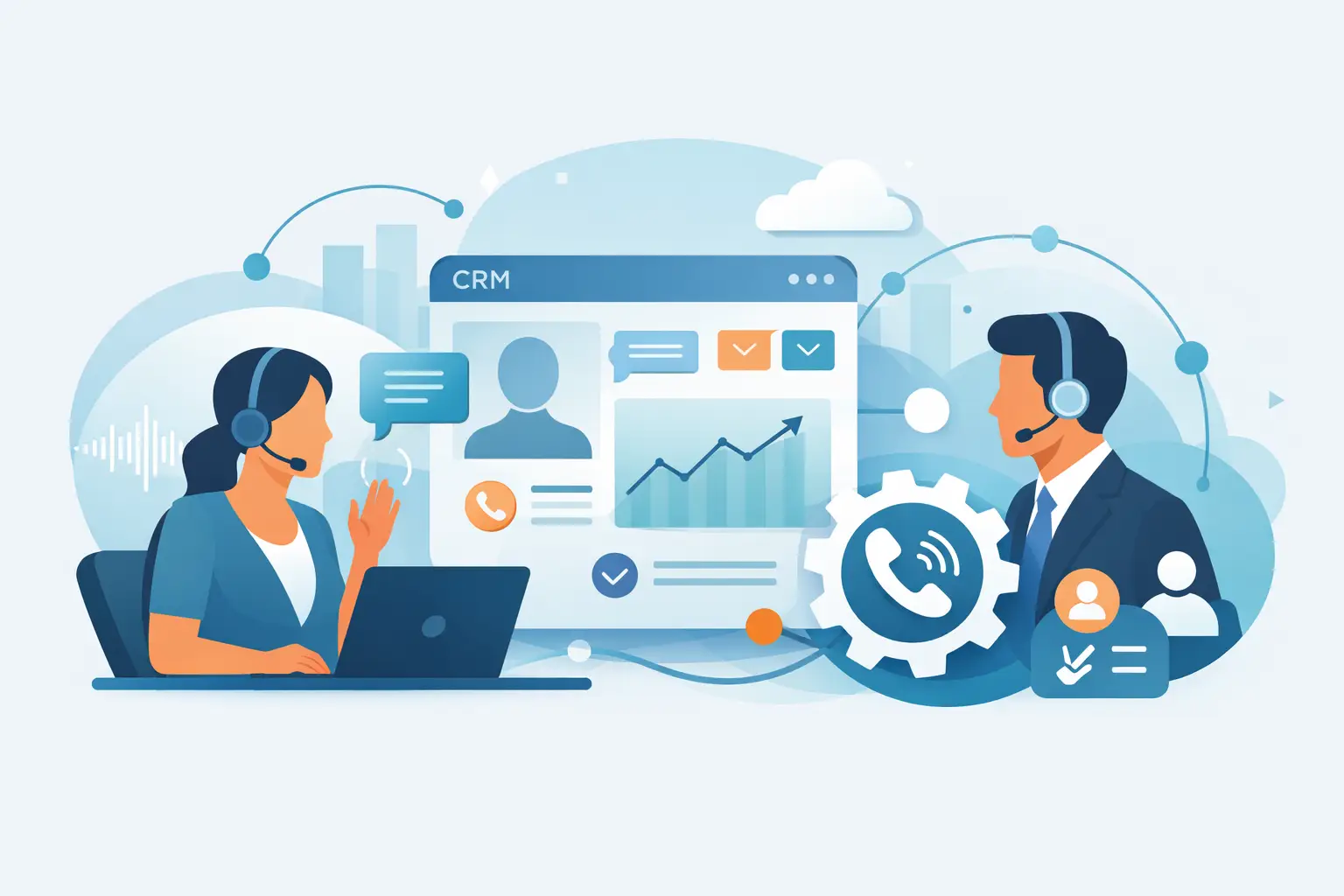
A crm integrated voice agent connects calls to customer data, cuts handle time, improves routing, and automates service without losing context.
On this page
- Why a CRM integrated voice agent matters
- What the integration actually does
- Where it performs best
- The operational gains are real, but only if the conversation quality is there
- What to look for in a CRM integrated voice agent
- Common mistakes when rolling one out
- Measuring success beyond call containment
- Build for speed now, flexibility later
Every missed call creates two problems at once: a customer who needed help and a team that now has to recover the moment later. A crm integrated voice agent changes that equation by answering instantly, pulling the right customer context, and moving the conversation forward without forcing people to repeat themselves.
For operations leaders, that is the real value. This is not just voice automation layered on top of your call flow. It is a live conversation system connected to the systems your business already runs on - CRM records, calendars, order data, ticketing tools, and workflow logic. When that connection is done well, phone support stops being a disconnected channel and starts acting like part of the rest of your operation.
Why a CRM integrated voice agent matters
Most businesses do not struggle with call volume alone. They struggle with fragmented context. A customer calls about an order, an appointment, or an account issue, and the first minutes of the interaction are spent identifying who they are, what they need, and where the previous conversation left off.
That wasted time adds up fast. It increases average handle time, creates more transfers, and puts pressure on human agents to do detective work instead of solving problems. Legacy IVR systems make it worse by forcing callers through rigid menus before they reach anyone who can help.
A CRM integrated voice agent reduces that friction because it can access customer records in real time and respond based on known context. If the caller has an open ticket, a recent order, or a scheduled appointment, the agent can use that information immediately. The experience feels faster because it is faster.
This changes more than customer satisfaction scores. It improves staffing efficiency, protects sales opportunities outside business hours, and gives teams a cleaner way to manage spikes in inbound demand without hiring against every temporary surge.
What the integration actually does
At a basic level, the CRM connection lets the voice agent read and write data. In practice, that means much more than looking up a customer name.
The agent can identify the caller from a phone number, verify details, retrieve account status, create or update records, log call outcomes, and trigger the next step in a workflow. In a sales environment, it might qualify a lead and push notes into the CRM before handing the call to an account executive. In support, it might confirm order status, reschedule an appointment, or escalate a case with a full conversation summary attached.
That is where many buyers need to be careful. Some tools claim CRM integration when they really mean a basic webhook or a one-way sync. A true operational setup should support real-time retrieval, action-taking, and handoff logic. If the agent can only fetch limited fields but cannot update records or trigger downstream actions, the business impact stays shallow.
Where it performs best
The strongest use cases are repetitive, high-volume interactions where speed and context matter. E-commerce teams use voice agents to handle order tracking, returns intake, and delivery updates. Healthcare teams use them for appointment scheduling, reminders, and intake routing. Real estate teams use them to qualify inbound leads and coordinate follow-ups. Service businesses use them for booking, status checks, and dispatch-related communication.
The common pattern is simple. The caller wants a quick answer or a clear next step. They do not want to wait in a queue for information your systems already contain.
There is also a strong case for after-hours coverage. Many companies lose revenue because leads come in outside staffed hours or customers call when the support desk is closed. A CRM-connected voice agent can capture those interactions properly instead of routing callers to voicemail and hoping for a callback the next day.
The operational gains are real, but only if the conversation quality is there
This is where voice AI projects often break down. Teams focus on workflow logic and integration depth, then underestimate how much conversational quality affects results.
If the voice sounds robotic, interrupts at the wrong time, or responds with noticeable latency, customers lose trust quickly. That matters even more on the phone than in chat because the experience is immediate and personal. A technically integrated system that sounds unnatural will still create drop-off, repeat calls, and unnecessary escalations.
The better model is speech-to-speech interaction with low latency and interruption awareness. That gives the conversation a more natural rhythm and makes the agent usable for real customer-facing work, not just simple menu replacement. The difference is practical, not cosmetic. Natural conversations resolve more calls cleanly and transfer fewer frustrated callers to human teams.
What to look for in a CRM integrated voice agent
The first requirement is speed. If the agent takes too long to respond, every other feature becomes less valuable. Low latency is central to call quality, especially for scheduling, support triage, and lead qualification where conversational flow affects outcomes.
The second is integration depth. Look for the ability to connect with your CRM, calendars, telephony stack, ticketing tools, and custom workflows without forcing a heavy rebuild. Some businesses want quick deployment with standard integrations. Others need API access, SIP compatibility, or bring-your-own credentials for infrastructure control. The right platform should support both paths.
The third is handoff quality. Not every conversation should be automated end to end. Sometimes the best outcome is to transfer the caller to a human with the full context already attached. If the voice agent cannot escalate intelligently, your team ends up redoing the conversation from scratch, which defeats the point.
The fourth is visibility. Operations teams need to know what happened on every call. That means transcripts, summaries, disposition data, workflow outcomes, and reporting tied back to business metrics. Without that, you are running automation blind.
Common mistakes when rolling one out
One mistake is trying to automate the hardest calls first. Start with high-frequency interactions that already follow a predictable structure. That gives you faster time to value and cleaner training data.
Another is treating the CRM as a passive database instead of an active workflow layer. The real payoff comes when the voice agent does work inside the system - updating records, scheduling tasks, tagging outcomes, and triggering follow-up actions.
A third mistake is ignoring fallback design. There should always be a clear path to a human when the issue is sensitive, complex, or outside policy. Good automation reduces pressure on agents. Bad automation traps callers.
There is also the temptation to overbuild before launch. Many teams wait for perfect coverage across every use case. In reality, a focused deployment with a few strong workflows often outperforms a broad rollout with weak execution.
Measuring success beyond call containment
Call containment matters, but it is not the only metric that counts. If your voice agent contains more calls but creates lower customer trust or weaker downstream conversions, the numbers can look better while the business gets worse.
A better measurement model includes average speed to answer, resolution rate, transfer quality, booking completion, lead qualification rate, after-hours capture, and cost per resolved interaction. For support teams, repeat call reduction is especially useful. For sales teams, response speed and follow-up completion usually matter more than raw call volume.
This is why CRM integration is so important. When call outcomes are tied directly to records and pipeline stages, you can measure impact in operational and commercial terms instead of guessing from conversation logs alone.
Build for speed now, flexibility later
The best deployments are not the most complicated. They are the ones that get into production quickly, prove value on live traffic, and expand from there.
That usually means starting with a narrow set of use cases, connecting to the CRM and one or two workflow systems, and refining prompts, routing, and escalation rules based on real calls. Once that foundation is stable, you can add more automations across support, sales, scheduling, and service operations.
For businesses that need a fast path, platforms like Kalem make this practical by combining low-latency voice interaction with CRM, calendar, webhook, and telephony connectivity. The important point is not the feature list by itself. It is the ability to deploy quickly, sound natural on live calls, and connect every conversation to the business systems that drive action.
A crm integrated voice agent is not just a smarter phone bot. It is a new operating layer for inbound conversations. When it has real-time context, natural voice performance, and a clean handoff to human teams, it does what most call automation has failed to do for years: it saves time without making the customer pay for it.