Phone Agent CRM Integration That Drives Faster Calls
Phone agent CRM integration gives every call context, triggers faster follow-up, and keeps sales and service teams focused on the next best action, fast.
On this page
A missed call is rarely just a missed call. It can be an unqualified lead that never enters the pipeline, a customer forced to repeat an order number, or an appointment request that sits untouched until the next shift. Phone agent CRM integration closes that gap by connecting live voice conversations to the system your team already uses to sell, support, and retain customers.
For operations leaders, the value is not simply call automation. It is turning every inbound interaction into structured, usable business data - while giving callers an answer, update, booking, or handoff without waiting on hold.
What Phone Agent CRM Integration Actually Does
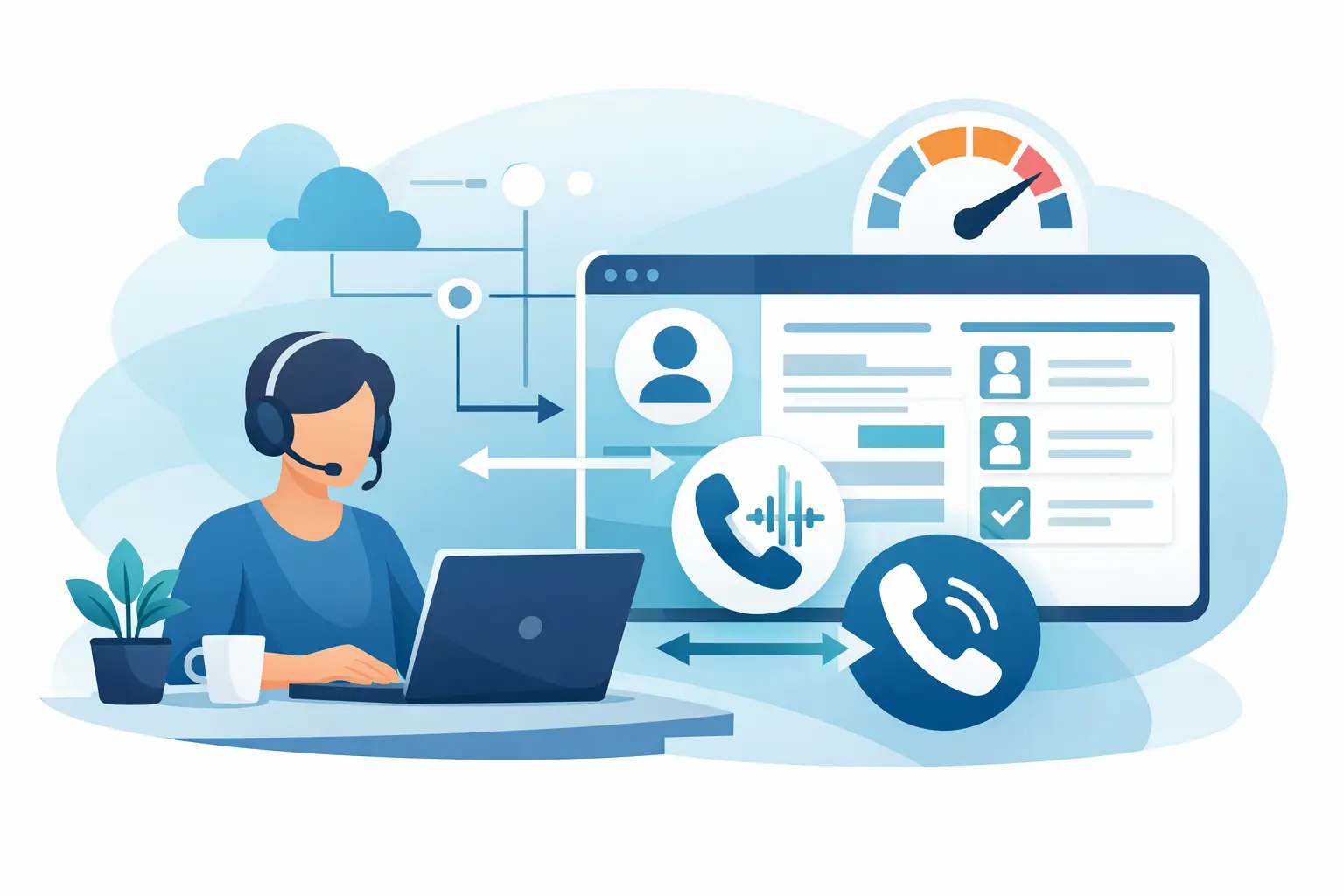
A connected phone agent reads the right context at the start of a call, conducts a natural conversation, and writes the outcome back to the CRM automatically. Rather than asking a returning customer for information the business already has, the agent can identify the caller, retrieve relevant records, and respond based on current status.
For example, an e-commerce caller asking where an order is can be verified, matched to an existing contact, and given the latest shipment status. The CRM can then record the call reason, disposition, and any follow-up required. If the shipment is delayed, the same workflow can create a support case or route the call to a human specialist with the context already attached.
For sales teams, the workflow looks different but follows the same principle. A phone agent can qualify an inbound prospect, capture budget and timeline, create or update the contact record, assign the opportunity owner, and schedule the next meeting. The salesperson receives a complete handoff instead of a vague note that says, "Someone called about pricing."
That is the difference between a voice bot that answers isolated questions and an operational phone agent that moves work forward.
Why Disconnected Calls Slow Down Revenue and Service
Most companies have a phone system, a CRM, and perhaps a help desk or scheduling platform. The problem is the space between them. Agents toggle between screens, copy details into notes after the call, and depend on memory during busy periods. Even strong teams lose information when call volumes spike.
The cost is visible in more places than labor. Leads receive slower follow-up. Customers repeat their story after transfers. Managers cannot reliably see why people are calling, which campaigns are generating qualified demand, or where service issues are concentrated.
Manual logging also creates a false choice: either keep call handling personal and expensive, or automate it with a rigid IVR experience that frustrates callers. Modern speech-to-speech AI changes that trade-off. A natural, interruption-aware agent can manage routine conversations while using CRM data to sound informed, not scripted.
The goal is not to replace every person on the phone. It is to remove the repetitive work that prevents people from handling the calls where judgment, empathy, or authority genuinely matter.
The Core Workflows Worth Connecting First
The best starting point is not every possible call type. It is the workflow with high volume, predictable questions, and a clear action in the CRM. That is where automation produces measurable gains quickly.
Lead capture and qualification
When a prospect calls after seeing an ad, visiting a listing, or receiving a referral, speed matters. A phone agent can capture contact details, ask qualification questions, check territory or availability rules, and create a new lead in the CRM in real time.
It can also identify existing leads and continue the conversation from the last known stage. If the caller meets your criteria, the agent can book a meeting directly on the appropriate representative's calendar. If they do not, it can route them to an alternative service or place them into a defined nurture workflow.
This reduces lead leakage outside business hours and gives sales teams cleaner records before the first human conversation.
Customer support and order tracking
Support calls often contain repeatable intents: order status, delivery windows, password help, return policies, appointment changes, account updates, and billing questions. With CRM integration, the agent can search the contact record, validate identity, retrieve relevant data from connected systems, and log the result.
The experience improves when the agent knows the caller's recent tickets, account tier, or open order. But context must be used carefully. The agent should confirm sensitive details rather than reveal them casually, especially in healthcare, financial services, or any business handling personal information.
Scheduling and rescheduling
Calendars and CRMs should not be separate from phone operations. A capable phone agent can check available slots, book a consultation, reschedule an existing appointment, and update the CRM record in one interaction.
For clinics, service businesses, and real estate teams, this prevents double entry and reduces the delay between intent and confirmation. It also creates a reliable record of appointment status, call outcome, and assigned owner.
Smart escalation to human teams
Not every call should stay automated. Complex complaints, high-value opportunities, sensitive cases, and callers who ask for a person require a fast handoff. The CRM should travel with the call.
Before transferring, the phone agent can summarize the intent, verify key details, and attach a concise transcript or structured call summary to the record. The human agent starts with the facts instead of forcing the customer to start over. That protects customer experience while keeping the operation efficient.
What a Reliable Integration Needs
A CRM connection is only useful if it is accurate under real call conditions. The phone agent should be able to search, create, and update records using clear rules for duplicate contacts, ownership, required fields, and consent status. A workflow that creates five records for the same customer will make the CRM worse, not better.
Data mapping deserves attention early. Decide which details belong in structured fields and which belong in notes. Call reason, outcome, qualified status, appointment time, ticket priority, and transfer destination are usually better as standardized fields. A useful conversation summary can live in the activity history.
The integration should also support event-driven actions. A qualified lead may trigger an assignment notification. A failed payment call may open a task. A cancellation request may notify a retention queue. Webhooks and workflow tools make these actions practical without forcing every process into a custom engineering project.
Latency matters too. If a caller waits several seconds after every question while the agent looks up a record or triggers an action, the experience feels automated in the worst way. Low-latency voice processing, responsive CRM actions, and sensible fallback behavior all affect whether callers trust the interaction.
Build for Exceptions, Not Just Happy Paths
A demo can make any integration look simple. Production calls are messier. Callers may use a different phone number, spell their name differently, ask two questions at once, or have a record with missing data. The agent needs confidence thresholds and clear recovery behavior.
When identity cannot be verified, it should ask for an alternate identifier or offer a human transfer. When a CRM is unavailable, it should avoid promising that a record was updated and instead capture information safely for later processing. When a requested action requires approval, it should set expectations precisely.
This is where a configurable platform matters. Kalem can connect phone and WhatsApp interactions with CRMs, calendars, webhooks, and workflow tools while keeping the conversation natural and the escalation path available. Teams can launch a focused workflow quickly, then add logic as they learn from real calls.
How to Measure Whether It Is Working
Do not judge the integration only by the number of calls automated. Measure the business result after the call. For sales, watch lead capture rate, speed to first follow-up, meeting-booking rate, and lead-to-opportunity conversion. For support, track containment rate, transfer rate, first-call resolution, average wait time, and repeat contacts.
Data quality is another core metric. Review duplicate creation, missing fields, incorrect dispositions, and failed workflow actions. A high containment rate is not a win if the agent logs bad data or prevents callers from reaching help when they need it.
Listen to a sample of calls every week during the first rollout. You will quickly find questions that need better phrasing, missing CRM fields, edge cases that deserve escalation, and opportunities to simplify the flow. The best phone agents improve through operational feedback, not just prompt edits.
Start with the call type that creates the most avoidable delay. Connect it to one clear CRM action, make the human handoff excellent, and let the results determine what to automate next.