How to Deploy AI Phone Agent Fast
Learn how to deploy AI phone agent workflows fast, with the right stack, call flows, integrations, and guardrails for real business results.
On this page
- What it takes to deploy AI phone agent workflows that actually work
- Start with a use case that has operational gravity
- The stack behind a reliable AI phone agent deployment
- Design the conversation like an operator, not a prompt engineer
- Integrations are where ROI becomes real
- Measure the right metrics in the first 30 days
- Common mistakes when you deploy AI phone agent systems
- A practical rollout plan
A missed call is rarely just a missed call. It is a lost appointment, an unqualified lead that goes cold, a support queue that gets longer, or a customer who decides your competitor is easier to reach. That is why teams looking to deploy AI phone agent capabilities are not chasing novelty. They are fixing a response-time problem, a staffing problem, and often a margin problem at the same time.
The companies getting value from voice AI are usually not the ones starting with a grand transformation plan. They start with one narrow workflow that already has volume, repetition, and clear outcomes. Think appointment booking, order status, lead qualification, inbound support triage, or after-hours call handling. If the use case is common enough, measurable enough, and structured enough, an AI phone agent can move from experiment to production quickly.
What it takes to deploy AI phone agent workflows that actually work
The fastest path is not to ask whether AI can answer calls. It can. The better question is whether your call flow is defined well enough for automation. Most failed deployments come from vague objectives, weak escalation logic, or trying to automate every conversation on day one.
A production-ready voice agent needs four things in place. It needs a clear job, access to live business data, rules for when to transfer to a human, and a voice experience that does not feel slow or robotic. If one of those is missing, the rollout may technically go live but still underperform.
Latency matters more than many teams expect. If the caller waits too long between turns, the conversation feels awkward and trust drops fast. Natural interruption handling matters too. Real callers change their minds, speak over the prompt, ask side questions, and jump between topics. A rigid script may survive a demo but struggle in live traffic.
Start with a use case that has operational gravity
Not every phone workflow deserves automation first. The best candidates have high call volume, repetitive patterns, and an obvious business action at the end.
Support teams often begin with order tracking, store hours, policy questions, and routing. Sales teams usually see faster returns in inbound lead capture, pre-qualification, and meeting booking. Healthcare, real estate, and service businesses get strong value from appointment scheduling, reminders, and rescheduling.
There is a trade-off here. The narrower the first use case, the faster the deployment and the easier the quality control. The broader the scope, the more impressive the vision, but the longer it takes to tune prompts, integrations, and transfer conditions. If speed matters, start smaller than your ambition.
The stack behind a reliable AI phone agent deployment
To deploy AI phone agent infrastructure well, you need more than a model with a pleasant voice. You need a call pipeline that handles audio input and output in real time, business logic that decides what the agent should do, and integrations that let the conversation produce a real outcome.
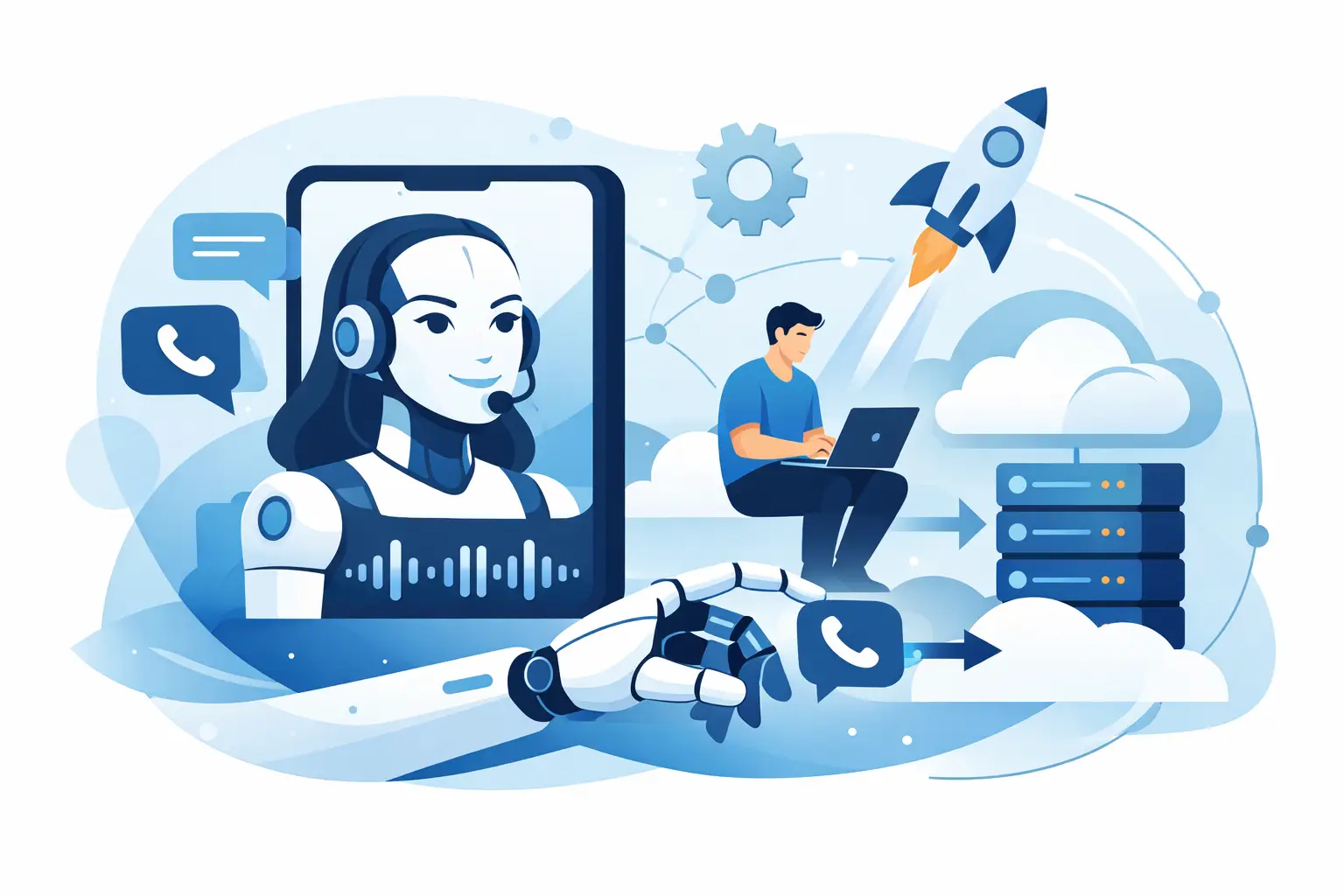
At a minimum, the stack usually includes telephony, speech-to-speech processing, prompt and policy controls, workflow logic, and system integrations. That last part is where many deployments either become useful or remain a demo. If the agent cannot read calendar availability, create CRM records, trigger webhooks, or hand off context to a live rep, then the business impact stays limited.
This is also where flexibility matters. Some teams want a simple self-serve setup with standard integrations. Others need to bring their own OpenAI credentials, use an existing telephony provider, or connect into internal systems over API and SIP. The right setup depends on how much control your team needs, how quickly you need to ship, and what compliance constraints are in play.
Design the conversation like an operator, not a prompt engineer
A lot of voice AI advice focuses on prompt writing as if the right wording solves everything. It does not. Good call design starts with operational intent.
Define the caller goal first. Then define the business goal. After that, map the shortest safe path between them. If someone calls to reschedule an appointment, the agent should confirm identity, check available slots, complete the change, and send confirmation. That is the core path. Everything else is exception handling.
The strongest deployments also plan for failure upfront. What happens if the caller gives partial information? What if the integration times out? What if the account cannot be found? What if the customer gets frustrated or asks for a person immediately? You do not need endless branching, but you do need clear fallback behavior.
Human transfer is not a weakness. It is a design requirement. The goal is not to trap every caller inside automation. The goal is to resolve what should be automated and escalate what should not. Smart transfer with context preserved is usually the difference between a cost-saving tool and a customer experience problem.
Integrations are where ROI becomes real
If your AI phone agent only talks, it saves some handling time. If it can complete work inside your systems, it changes the economics of the channel.
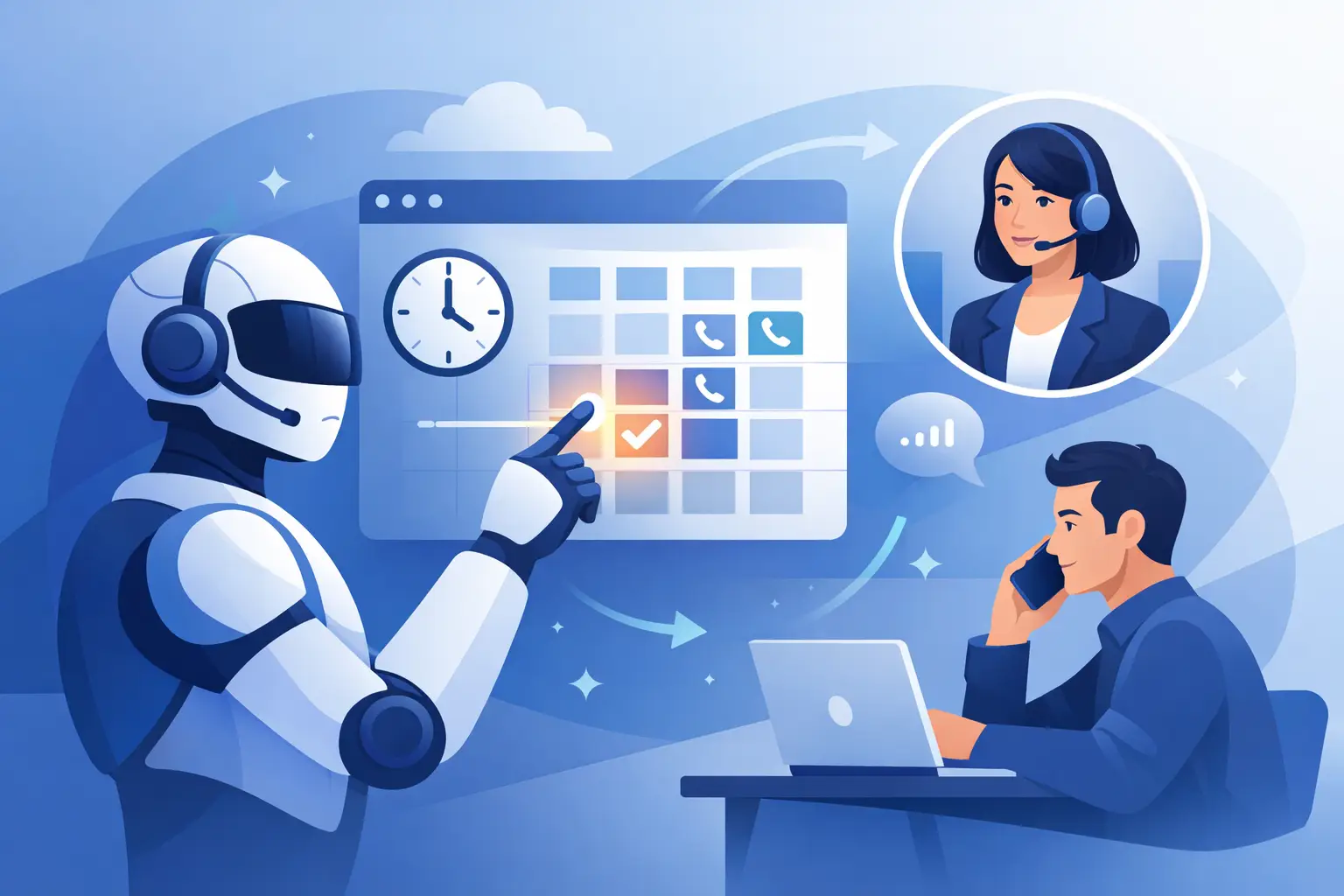
For support teams, that might mean pulling order status, creating tickets, updating contact records, or logging call summaries. For sales, it means capturing lead details, qualifying intent, assigning owners, and booking meetings directly into calendars. For service businesses, it often means confirming availability, collecting intake details, and triggering follow-up workflows.
This is why deployment speed should not be measured only by how fast a phone number goes live. The real benchmark is how quickly the agent can complete end-to-end tasks without manual cleanup afterward. A fast launch with weak integrations creates hidden labor. A slightly more deliberate launch with the right workflows creates leverage.
Platforms like Kalem are built around that distinction. The value is not just that the agent sounds human. It is that the conversation can move fast, stay natural, connect to your systems, and transfer cleanly when needed.
Measure the right metrics in the first 30 days
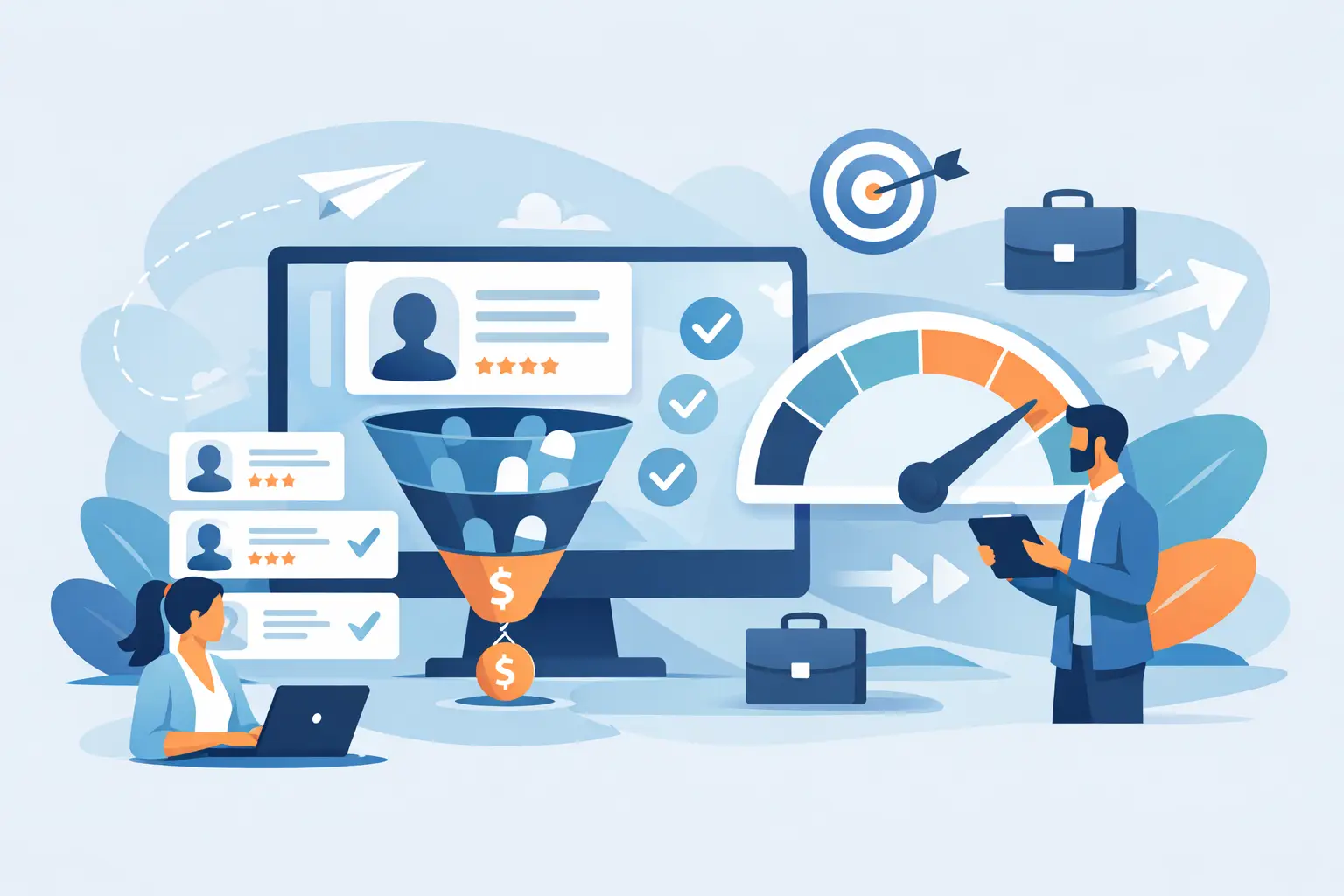
Once you deploy, resist the temptation to judge success by call volume alone. The better indicators depend on the workflow, but most teams should watch containment rate, transfer rate, average time to resolution, booking completion, lead capture rate, and failed-task rate.
Listen closely to where callers hesitate or repeat themselves. Those moments usually point to one of three issues: unclear prompts, poor system data, or a missing workflow step. You do not need months to improve this. In most cases, the first two weeks of call reviews will show exactly where the experience breaks down.
There is also an important commercial metric many teams miss: response coverage. If your AI phone agent answers instantly after hours, during lunch peaks, or during staffing shortages, it is not just reducing cost. It is expanding availability without expanding headcount. That often matters as much as pure automation rate.
Common mistakes when you deploy AI phone agent systems
The first mistake is trying to make the agent do too much. Broad prompts create inconsistent outcomes. Narrow objectives create dependable ones.
The second is treating voice like chat with audio attached. Phone conversations are messier. People interrupt, speak casually, skip details, and expect immediate pacing. If the system cannot handle real turn-taking, the experience breaks.
The third is ignoring the handoff. A caller who reaches a human after a failed AI interaction should not have to start over. Context transfer is not a nice extra. It protects trust.
The fourth is underestimating governance. Teams need approval on what the agent can say, when it can act, what data it can access, and how it handles edge cases. Fast deployment is good. Uncontrolled deployment is expensive.
A practical rollout plan
A strong rollout usually happens in three phases. First, pick one high-volume use case with a clear success metric. Second, connect the minimum systems needed to complete that workflow fully. Third, review live calls aggressively and refine weekly.
For many organizations, the right first milestone is not full automation. It is dependable partial automation with smart fallback. If the agent can resolve the simple calls, collect clean context for the harder ones, and route them correctly, the support queue improves immediately.
That is the real shift. When you deploy AI phone agent workflows well, you are not just replacing call handling. You are redesigning how inbound demand gets processed across support, sales, and operations.
The teams that move first usually learn the same lesson: speed matters, but clarity matters more. Pick one workflow that hurts, automate it end to end, and let the results fund the next one.