10 Best Software for Appointment Reminders
Find the best software for appointment reminders with top tools, key features, and trade-offs for healthcare, sales, and service teams.
On this page
Missed appointments are rarely a scheduling problem. More often, they are a follow-through problem. A customer books, gets busy, forgets, and your team pays for the gap. That is why choosing the best software for appointment reminders is less about sending messages and more about protecting revenue, keeping calendars full, and reducing manual work.
For operations leaders, support managers, and service businesses, reminder software sits closer to the money than it might seem. Every no-show wastes staff time, blocks inventory, and creates avoidable rebooking effort. The right platform cuts that drag fast. The wrong one adds another tool, another dashboard, and another partial fix.
What the best software for appointment reminders actually needs to do
At a basic level, every platform in this category sends SMS, email, or voice reminders before an appointment. That baseline is no longer enough. If your business handles real appointment volume, the software needs to do three things well: automate reliably, integrate cleanly, and help customers take action without friction.
That last point matters most. A reminder that says, "You have an appointment tomorrow" is useful. A reminder that lets the customer confirm, cancel, reschedule, or ask a question in one step is operationally better. It reduces inbound calls, updates calendars faster, and gives your team cleaner data.
For many businesses, voice is also back in the picture. SMS works well, but it gets ignored in crowded inboxes and message threads. A natural-sounding call can outperform text for high-value appointments, older demographics, multilingual audiences, or workflows where confirmation rates directly affect capacity planning. That is especially true in healthcare, real estate, automotive services, and local service businesses.
10 best software for appointment reminders
1. Acuity Scheduling
Acuity is a strong fit for small businesses that want booking and reminders in one system. It is easy to use, quick to launch, and covers the basics well, including automated confirmations, follow-ups, and calendar sync.
Its strength is simplicity. If you run a solo practice, consulting business, or small service team, Acuity gets you operational fast. The trade-off is depth. Larger teams may outgrow it if they need advanced routing, custom workflows, or multi-channel communication beyond standard reminders.
2. Calendly
Calendly is best known for scheduling links, but its reminder capabilities make it a practical option for sales teams, customer success teams, and service businesses that already live in calendar-driven workflows.
Its advantage is adoption. People already know how to use it, which reduces friction internally and externally. The limitation is that it is still scheduling-first, not reminder-first. If reducing no-shows is your main goal, you may want more messaging control and stronger automation paths.
3. SimplePractice
SimplePractice is built for health and wellness professionals, and that vertical focus shows. It handles reminders, intake, telehealth, and client communication in a way that feels aligned with practice operations.
If you are a therapist, wellness clinic, or private healthcare provider, it can be a strong all-in-one option. If you operate outside that world, it may feel too specialized and heavier than you need.
4. Solutionreach
Solutionreach is a more established choice in healthcare and dental settings. It goes beyond reminders into patient engagement, recall campaigns, and broader communication workflows.
The upside is maturity in regulated, appointment-heavy environments. The downside is that it may be more platform than a smaller practice needs, both in complexity and budget. It tends to make the most sense when patient communication is a core operational priority.
5. Weave
Weave combines reminders with phones, texting, and customer communication for local businesses. Dental, medical, and service-based companies often choose it because it connects front-desk workflows rather than isolating reminders as a single feature.
That all-in-one angle can be efficient. It can also create lock-in. If you already have strong telephony or CRM infrastructure, you need to check whether Weave complements your stack or tries to replace too much of it.
6. Vagaro
Vagaro is widely used in salons, spas, and fitness businesses. It brings booking, reminders, payments, and customer management into one operating layer.
For beauty and wellness brands, that tight fit is valuable. For general service businesses, it is less compelling. This is a good reminder that the best software for appointment reminders often depends on your workflow, not just the reminder feature itself.
7. Mindbody
Mindbody serves fitness, wellness, and class-based businesses that need reminders across appointments, memberships, and recurring sessions. It is designed for businesses with ongoing customer engagement rather than one-off bookings.
It is powerful, but not always lightweight. Teams that only need appointment reminders may find it broader and more expensive than necessary. Businesses with classes, recurring attendance, and retention goals usually get more value from it.
8. GoReminders
GoReminders is focused, practical, and easier to understand than many broader scheduling platforms. It is built around automated text and email reminders, which makes it appealing for small to midsize businesses that want a narrower tool.
Its strength is clarity. You know what it is for, and setup is usually straightforward. Its limitation is that it may not satisfy teams looking for advanced workflow automation, voice interactions, or enterprise-grade integration depth.
9. Appointy
Appointy works well for businesses that want online booking plus reminders without a long implementation cycle. It serves a broad range of verticals and offers enough flexibility for many SMEs.
That flexibility is useful, but it can also mean it is not deeply optimized for one specific use case. It is often a solid middle-ground option rather than the obvious best choice for high-complexity teams.
10. AI voice-first platforms
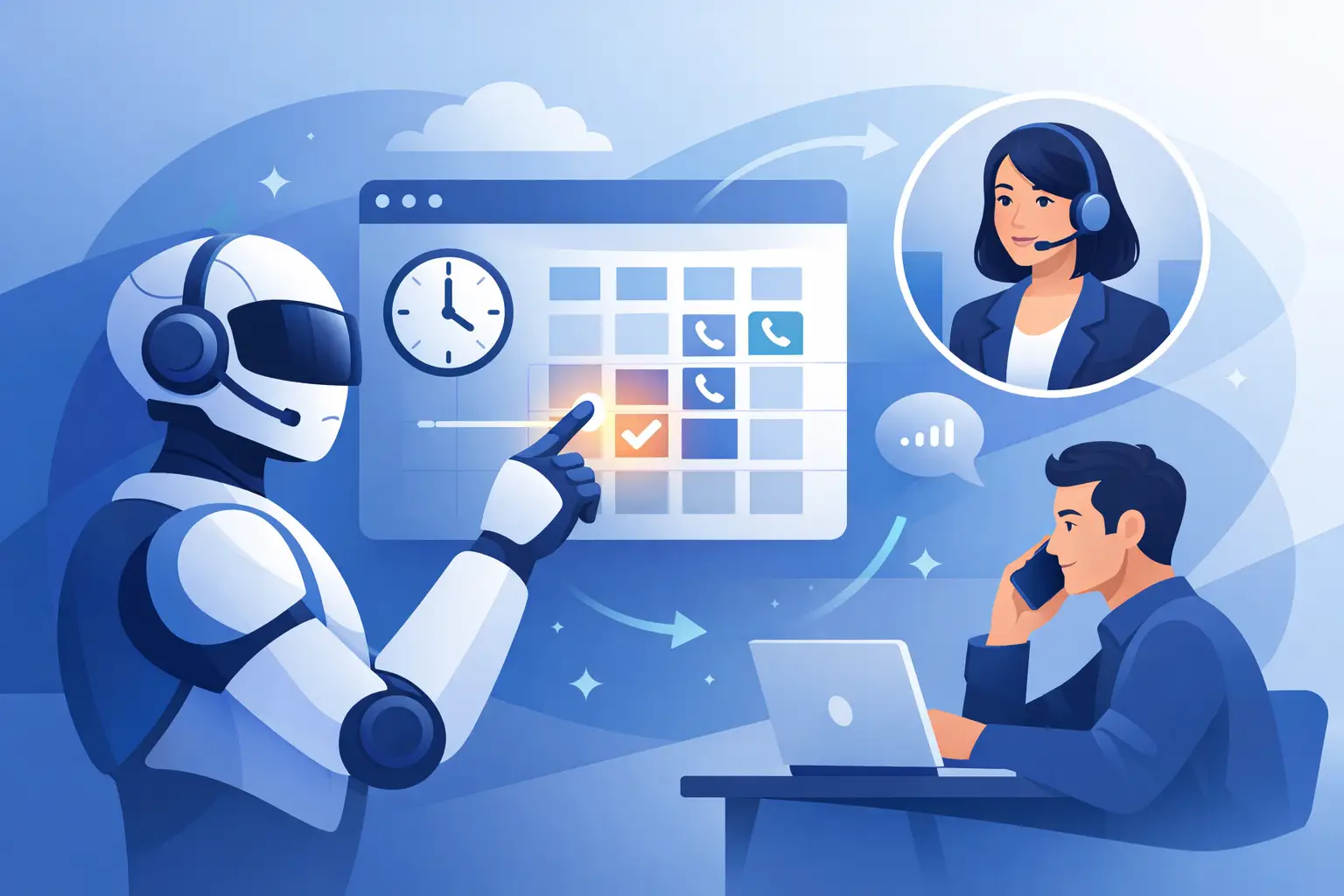
This category deserves its own spot because reminder software is shifting. Instead of sending a static message, businesses increasingly want conversational reminders that can confirm, reschedule, answer basic questions, and transfer to a live agent when needed.
That matters if your appointment flow still creates inbound call volume or if confirmation rates have a direct cost impact. A voice AI platform such as Kalem can fit this model when reminder workflows need to behave more like live operations than outbound notifications. The value is speed and realism. The trade-off is that this approach makes the most sense when your reminder process is tied to broader phone-based customer service, not when you only need simple text alerts.
How to choose the best software for appointment reminders
Start with channel fit. If your customers reliably respond to SMS, you may not need voice. If your audience ignores texts, prefers phone communication, or needs help rescheduling, voice and WhatsApp can outperform basic reminders. Different customer segments behave differently, and that should shape your stack.
Next, look at integration quality. Reminder software should connect to your calendar, CRM, booking system, and any workflow tool that handles status changes. If staff still need to update appointments manually after a customer responds, the automation is incomplete. That usually means lower ROI than the demo suggests.
Then evaluate actionability. Good reminder software does not just notify. It captures a response and triggers the next step. Confirmations should lock in attendance. Cancellations should release the slot. Rescheduling should happen without a long call chain. If the customer has to switch channels to complete those actions, conversion drops.
Reliability is another separating factor. Delayed reminders, failed sends, and inconsistent contact syncing can quietly erode trust in the system. This is less visible than feature count, but more important in daily operations.
Finally, price the software against missed-appointment cost, not subscription cost alone. A tool that costs more but cuts no-shows significantly can still be the cheaper option. Operations teams that focus only on software fees often undercount the labor and revenue impact of poor attendance.
Where most teams make the wrong call
They buy for booking convenience when the real problem is attendance. Or they choose a broad customer communication platform without checking how well reminders actually perform under volume.
Another common mistake is ignoring escalation. Not every customer wants to tap a confirmation link. Some need to ask whether parking is available, whether a document is required, or whether they can arrive 15 minutes late. If your reminder system cannot handle that branch cleanly, your team absorbs the workload anyway.
There is also a timing issue. Too many businesses use fixed reminder intervals without testing what actually drives show rates. A 24-hour reminder might work in one industry. In another, a same-day reminder plus a confirmation request performs better. The best systems give you enough control to adjust without turning every change into an IT project.
The right choice depends on your operating model
If you are a small business with straightforward booking needs, a scheduling-led platform may be enough. If you are in healthcare, wellness, or another vertical with compliance and workflow complexity, specialized software often wins. If you manage high call volume, multi-location operations, or expensive appointment slots, conversational reminders and phone automation can produce a stronger return.
That is the real filter. The best software for appointment reminders is not the one with the longest feature list. It is the one that reduces no-shows, cuts admin time, and fits how your customers actually respond.
When reminders stop being passive notifications and start acting like part of your front desk, the economics improve fast. That is where this category gets interesting.