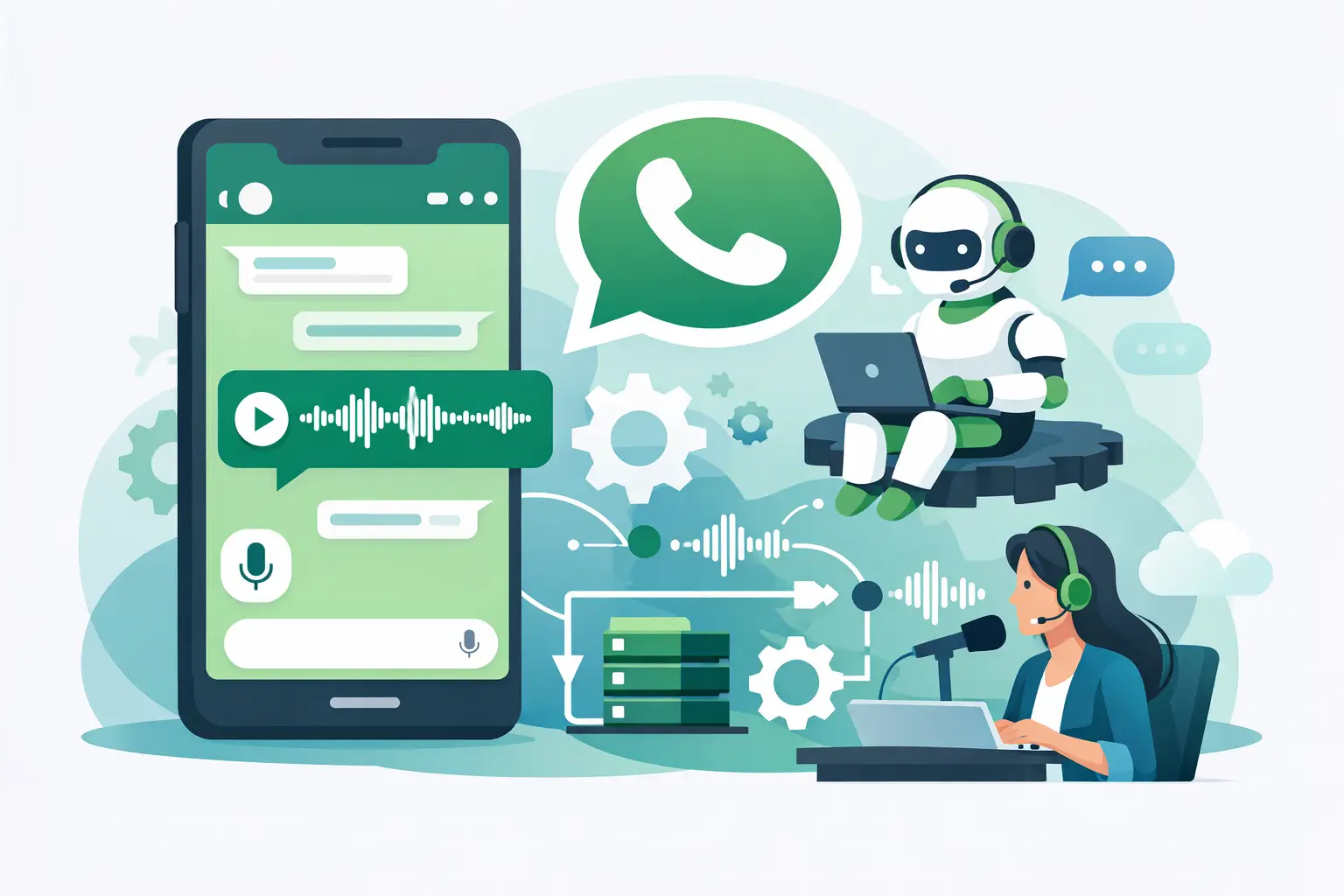
How to Build WhatsApp Voice Automation
Learn how to build WhatsApp voice automation that sounds natural, routes correctly, and cuts support costs without adding workflow complexity.
On this page
A customer sends a voice note at 8:12 PM asking where their order is. If your team replies the next morning, the moment is gone. If your system answers instantly but sounds robotic, trust drops just as fast. That is the real challenge when you build WhatsApp voice automation - speed alone is not enough. The interaction has to feel natural, understand intent correctly, and move the customer toward resolution without creating more operational mess behind the scenes.
For most businesses, WhatsApp is already a high-volume support and sales channel. The problem is that voice messages create a different workload than text. They take longer to review, they slow queues, and they are harder to standardize across teams. A good automation layer fixes that by handling routine conversations in real time, escalating when needed, and feeding every interaction back into the systems your business already runs.
What build WhatsApp voice automation really means
When teams talk about WhatsApp automation, they often mean text bots. Voice automation is a different category. It involves receiving spoken input, understanding it accurately, responding with human-sounding audio, and doing that with low enough latency that the conversation still feels live.
That last part matters more than many buyers expect. If there is a long pause between a customer message and the reply, the experience starts to feel broken. If the audio sounds flat or scripted, users stop trusting it with anything beyond the simplest requests. So when you build WhatsApp voice automation, you are not just stitching together speech-to-text and a chatbot. You are designing a conversational system that has to perform under real customer conditions.
In practice, that means balancing four layers at once: voice quality, response speed, workflow logic, and escalation design. Miss one, and the whole thing starts to look impressive in demos but weak in production.
Start with the workflow, not the model
The fastest way to waste time on an AI voice project is to start with prompts and personalities before defining what the system actually needs to do. Operations leaders should begin with the top three to five use cases that create the most pressure on staff or the most delay for customers.
For an e-commerce team, that usually means order tracking, delivery updates, return requests, and basic product questions. For healthcare, it might be appointment scheduling, reminders, and insurance-related intake. In real estate, it could be lead qualification and property inquiry routing. Each of these has different risk levels, different data requirements, and different escalation rules.
This is where strong voice automation gets practical. You do not need the agent to answer everything. You need it to resolve high-frequency, low-complexity conversations quickly and hand off the rest with context intact. That is where cost savings show up and where response times improve without damaging customer experience.
Pick one lane for version one
A lot of teams try to automate support, sales, and scheduling all at once. That usually creates a bloated first deployment. A better move is to choose one workflow with clear success metrics. If you can reduce average handling time for order status requests or qualify inbound property leads automatically, you already have a business case worth expanding.
Version one should be narrow enough to test fast and broad enough to matter. That keeps implementation grounded in results instead of novelty.
The core components you need
To build WhatsApp voice automation that works in production, you need more than a speech model and an API key. The stack has to support real conversation flow and business execution.
First, you need speech-to-speech processing that can handle natural interruptions, variable accents, and short customer voice notes without forcing rigid turn-taking. This is what separates conversational systems from old IVR logic dressed up with AI language.
Second, you need low latency. The closer the system gets to real-time response, the more natural the exchange feels. Delays create repeat messages, dropped sessions, and customer confusion. Businesses often underestimate how directly latency affects conversion and containment.
Third, you need integrations. If the voice agent cannot check an order, book a time slot, create a ticket, or update a CRM record, it becomes a talking FAQ. That may reduce some pressure, but it will not materially improve operations.
Fourth, you need human transfer logic. Not every conversation should stay automated. Billing disputes, urgent medical scenarios, high-intent sales opportunities, and frustrated users should route cleanly to a person. The transfer should include transcript context and workflow state so the customer does not have to start over.
How to build WhatsApp voice automation step by step
The practical path is straightforward if you stay disciplined.
1. Define the target outcome
Choose one business result. It could be fewer support tickets, faster first response, lower call center load, or more qualified leads. If the goal is vague, the build will be vague too.
2. Map the conversation paths
Write the actual customer intents you expect to receive. Not abstract categories - real requests. "Where is my order?" "Can I reschedule tomorrow?" "Do you have a two-bedroom unit in Dubai Marina?" This gives you the logic tree, the API needs, and the escalation points.
3. Connect your data sources
This is where many pilots stall. The voice layer needs access to the systems that contain the answer. That may be a CRM, order management platform, calendar, help desk, or custom webhook. Without that connection, the conversation sounds smart but cannot complete the task.
4. Design for interruption and ambiguity
Customers do not speak in neat command lines. They pause, backtrack, change topics, and mix questions together. Your automation has to recover gracefully. If it misses intent, it should clarify quickly instead of guessing. If confidence is low, it should escalate.
5. Test with real audio, not ideal scripts
Use messy voice notes from real workflows. Different accents, short phrases, background noise, and incomplete sentences will tell you more in one afternoon than polished internal testing will tell you in a week.
6. Measure containment and handoff quality
Containment rate matters, but it is not the only metric. Look at whether resolved conversations are actually resolved, whether transfers arrive with enough context, and whether customers need to repeat themselves.
Common mistakes when teams build WhatsApp voice automation
The most common mistake is optimizing for demo quality instead of operational reliability. A polished assistant that answers ten sample prompts perfectly is not the same as a production system handling hundreds of unpredictable conversations.
Another mistake is over-automation. Some businesses push the agent into edge cases where a human should take over immediately. That saves labor on paper but damages retention and trust. Good automation is selective. It handles the repeatable work fast and knows when to step aside.
There is also the issue of channel fragmentation. If WhatsApp voice runs separately from your support platform, CRM, and scheduling logic, your team ends up managing exceptions manually. That defeats the point. The value comes from making voice a working part of your operations stack, not a side experiment.
What good performance looks like
A strong deployment should feel responsive, not theatrical. Customers should get answers quickly, hear natural audio, and reach a human when the issue requires it. Your team should see fewer repetitive interactions, better availability outside business hours, and cleaner data flowing into downstream systems.
On the business side, the gains usually show up in three areas: lower cost per interaction, faster service coverage, and improved conversion on inbound opportunities. That is why sectors with recurring inquiries tend to move first. The economics are obvious when your team spends hours every day replaying the same voice notes.
For companies that need speed and control, platforms built for direct audio processing and workflow integration have a clear advantage. Kalem, for example, is designed around low-latency voice conversations, real business actions, and fast deployment, which is exactly what matters when automation has to perform beyond the prototype stage.
Build for scale from day one
Even if you start with a single use case, make choices that will hold up later. That means using architecture that can support multiple workflows, routing logic that can evolve, and integrations that do not need to be rebuilt every time another department wants in.
It also means planning for governance. Who reviews failed conversations? Who updates prompts and policies? Who decides when a use case is ready for automation and when it is too risky? These are not enterprise-only questions. Small and mid-sized teams feel the impact quickly because they have less margin for process breakdowns.
The upside is substantial when the system is set up correctly. You can respond in seconds instead of hours, extend service capacity without adding headcount linearly, and give customers an experience that feels closer to a good human rep than a legacy bot.
If you want to build WhatsApp voice automation well, treat it like an operations project with a voice interface, not a voice demo with some operations attached. That mindset keeps your team focused on what matters most: faster answers, lower cost, and conversations customers will actually stay in.